As an administrator for Aiir platform, you would see an additional 'Admin' icon on the top-right of the application, that would enable you to add/modify/remove users from the Aiir platform.
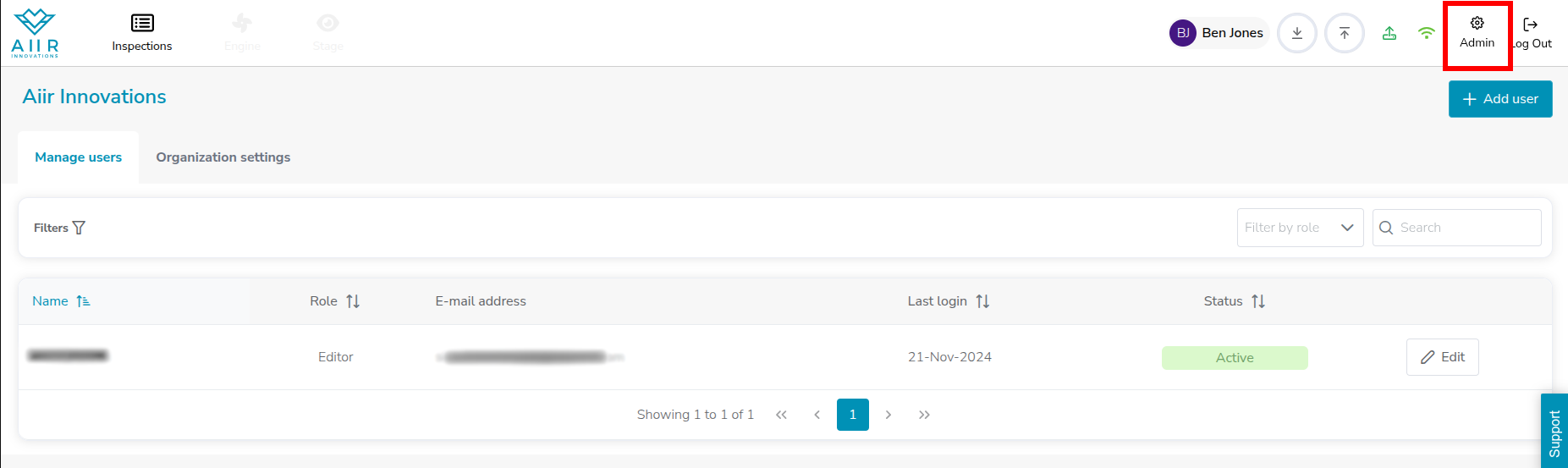
To add a new user, click on the 'New User' button on the left and enter details (Name, Email, Role) of the user to be created. Once created, the users would get a welcome email from Aiir, with a temporary password that they can change after first time login.
Managing User Access Using Roles
Managing User Access
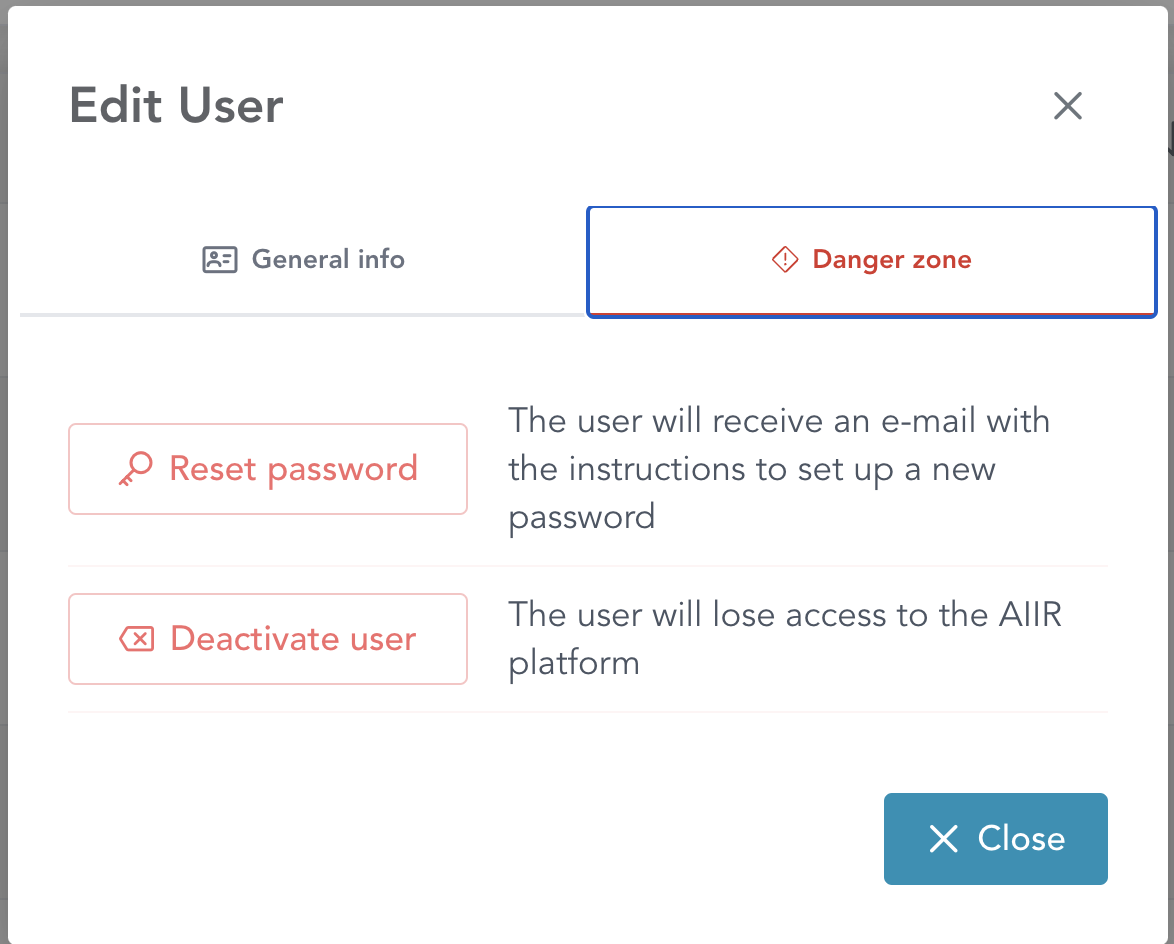
To remove access to Aiir, click on ‘Edit’ button on the right against any user name to view user details and click on ‘Danger Zone’ tab, where you’ll find ‘Deactivate user’ button. Clicking on this would deactivate the user from Aiir and remove their access to the application.