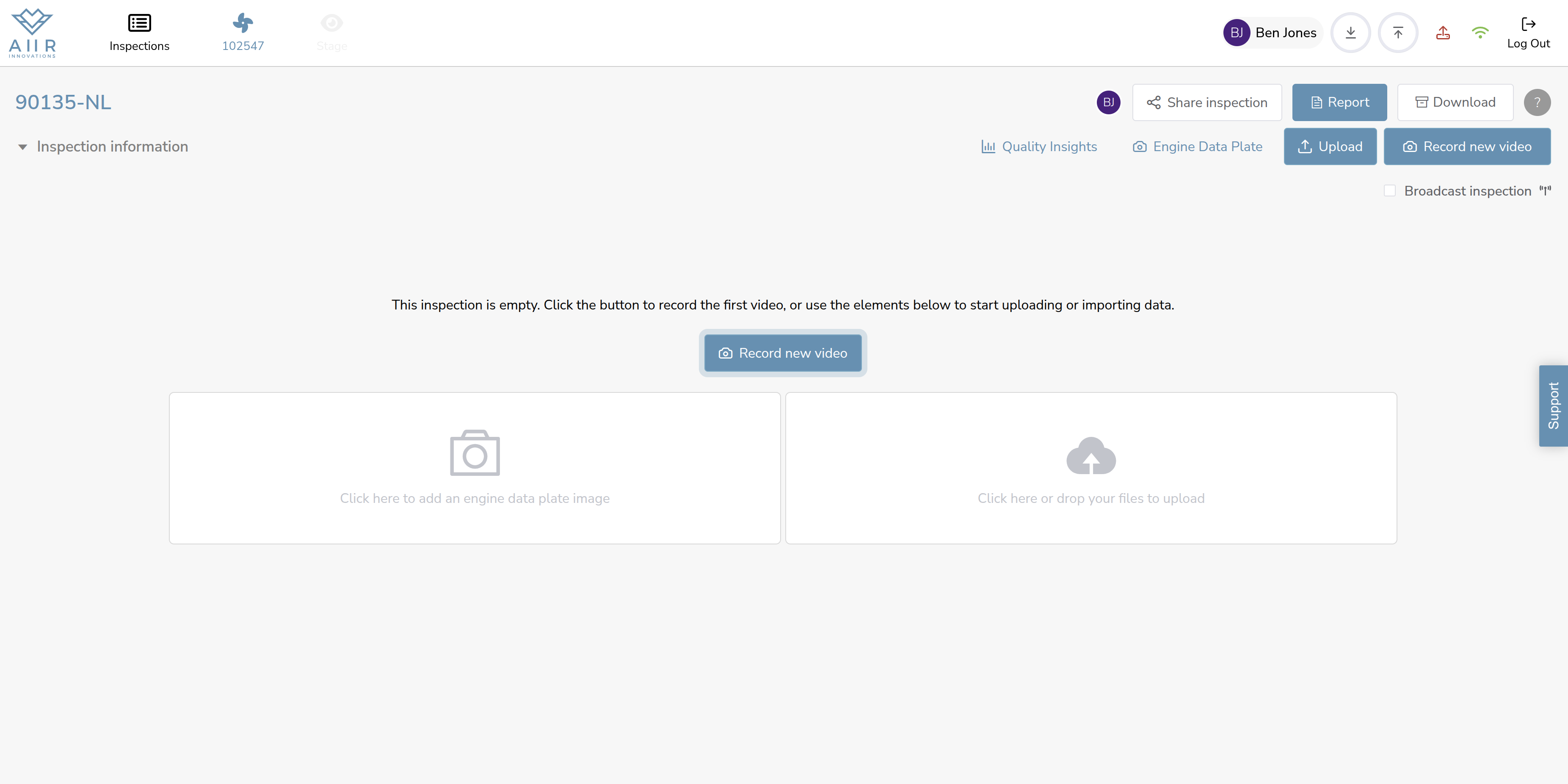
Once you have created an inspection as per the previous step, you will be directed to an 'Inspection overview' where you can access the inspection's details. Here's how to explore the inspection's modules, stages, and tasks:
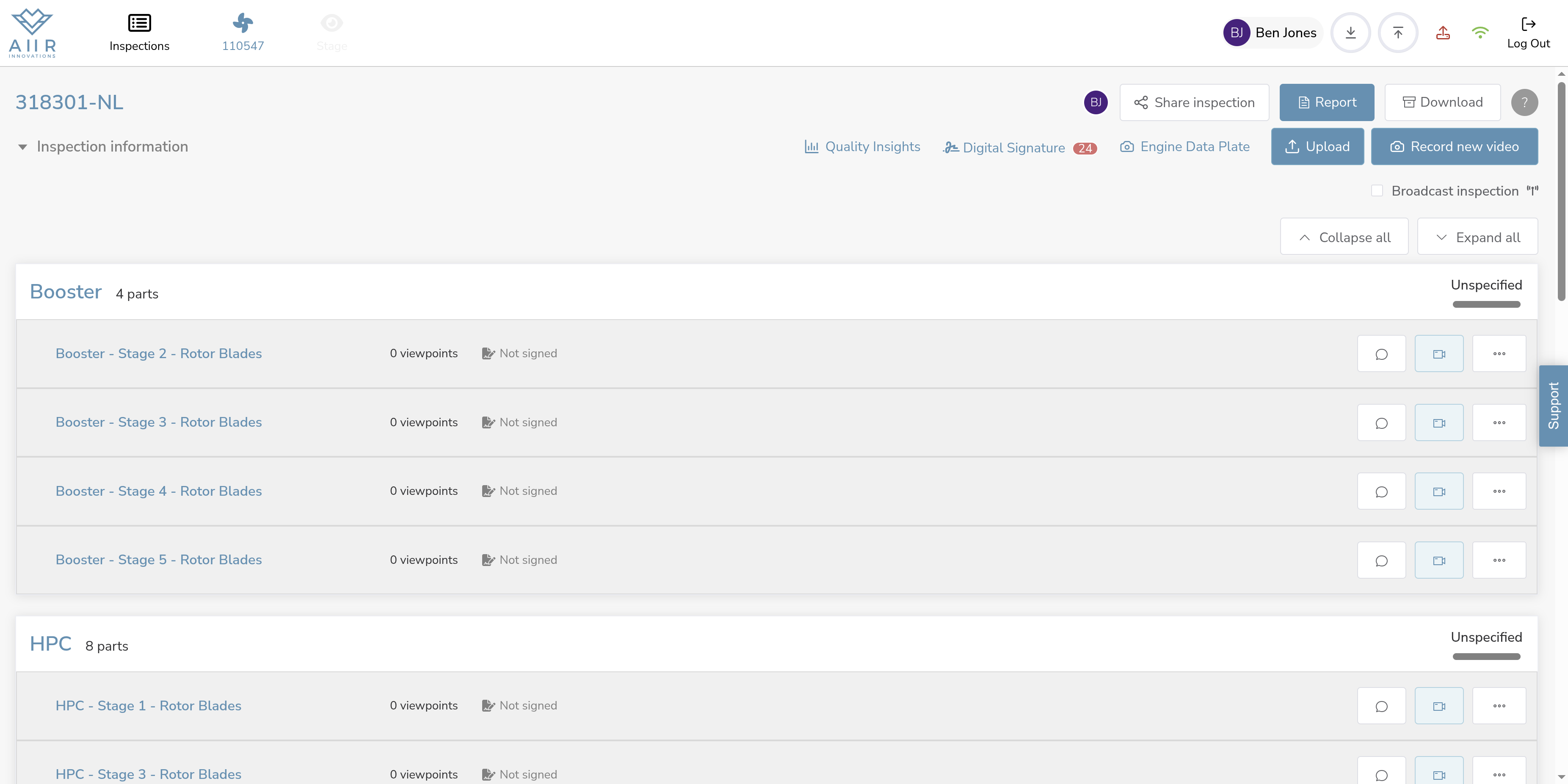
Access the Inspection View :- After creating an inspection, you will be automatically directed to the 'Inspection overview' where you can review the inspection's structure. You will see a list of modules that need to be inspected. Each module represents a specific section of the inspection. If the 'Pre-filling' module is enabled for your organization, you will see the inspection with modules, stages, and tasks pre-defined, as shown in the image below.
No Pre-filling Enabled : If the 'Pre-filling' module is not enabled for your organization, you will see the 'Inspection View' without any modules and stages pre-defined. In this case, you can proceed with your inspection as per the further steps explained.