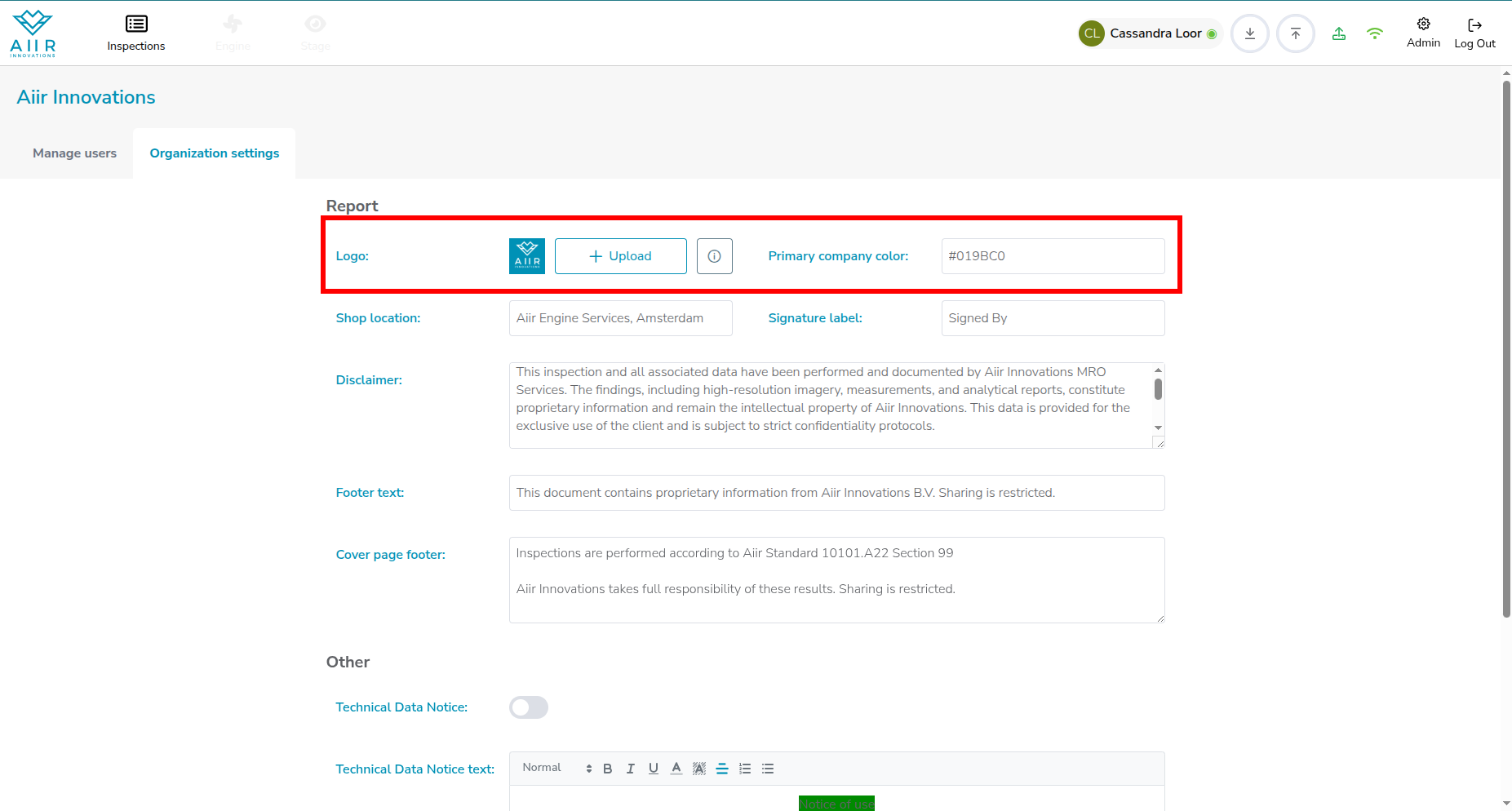
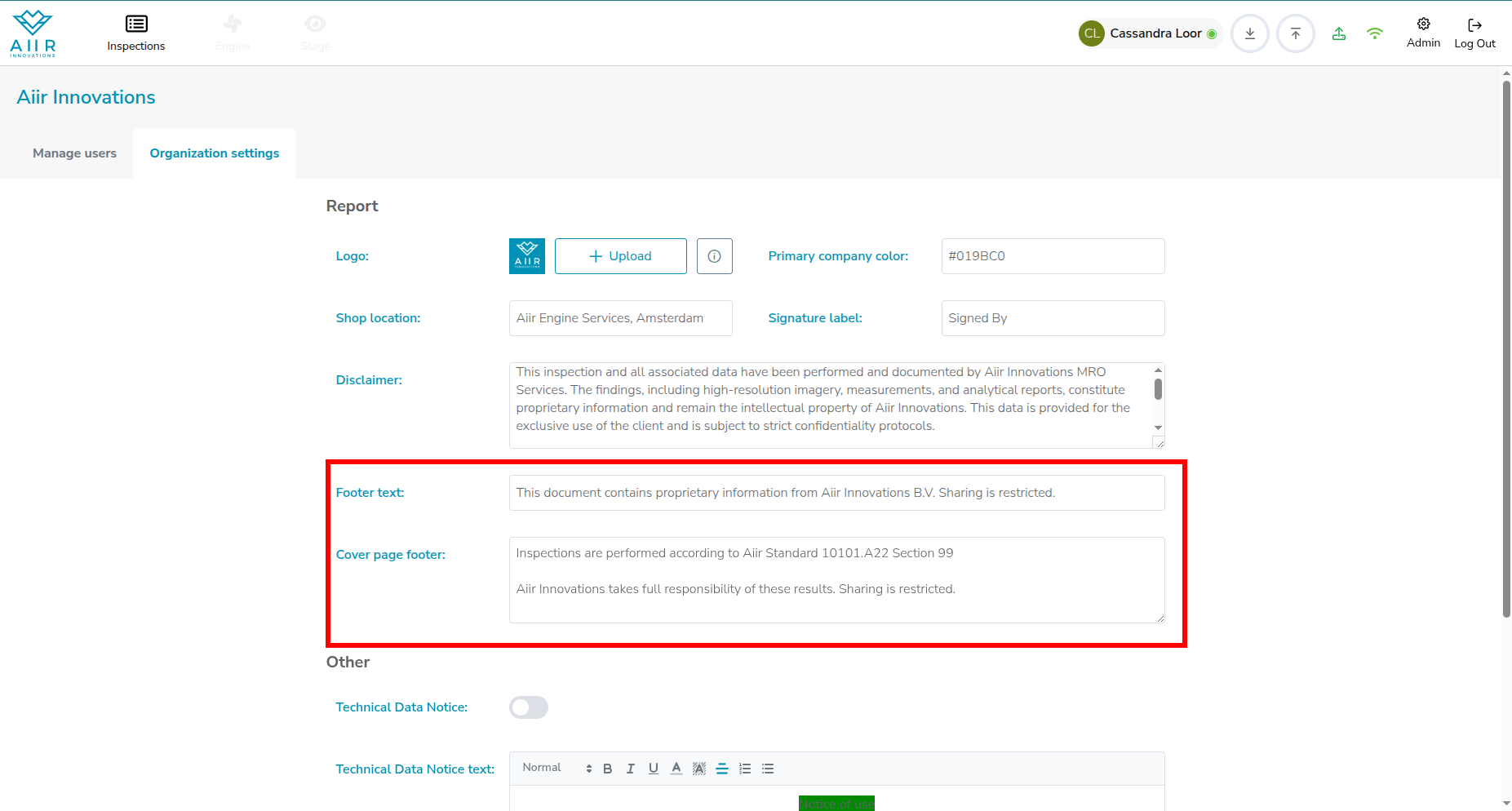
You can manage your logo, colors and text in the PDF report and generic platform warnings in the Admin Panel. Navigate to the section by clicking on Admin at the top right, and open the Organization settings tab.

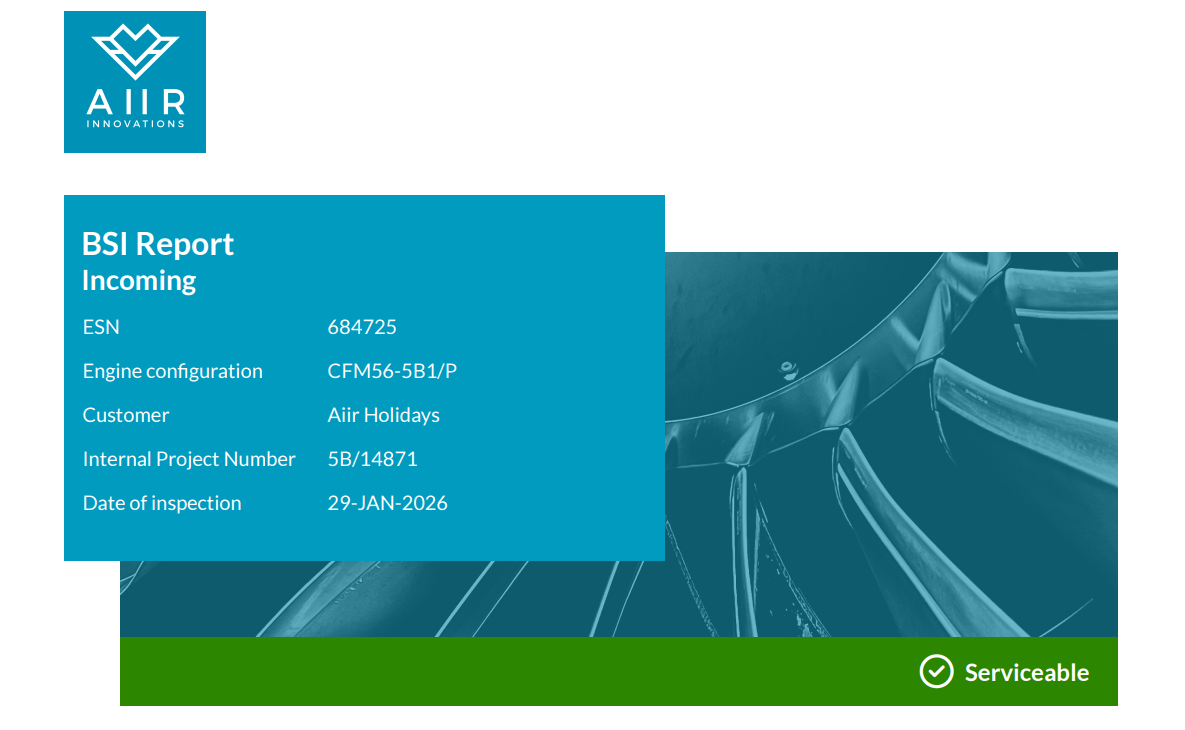
Upload your organization’s logo and most defining color. These are used in the report.
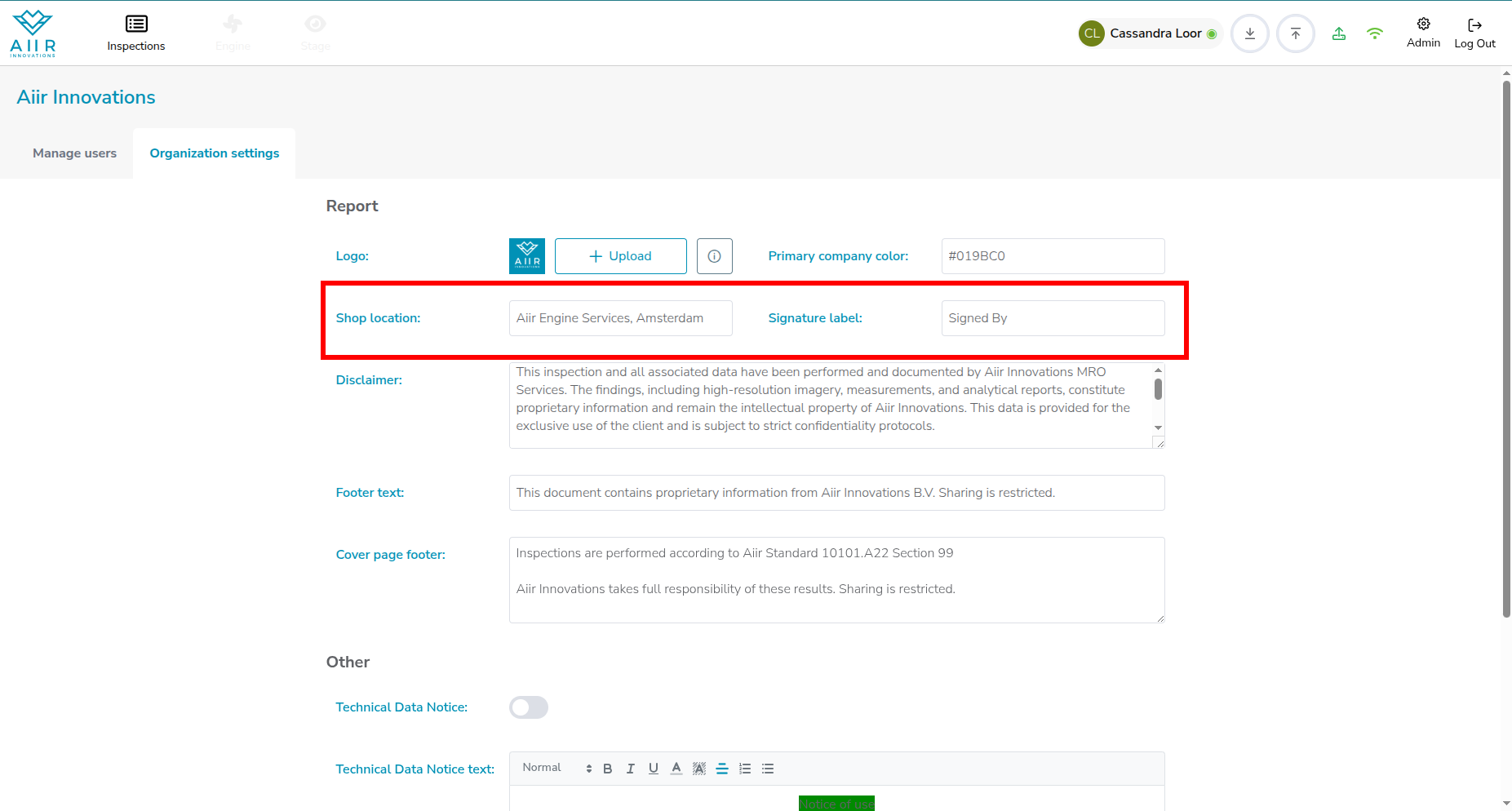
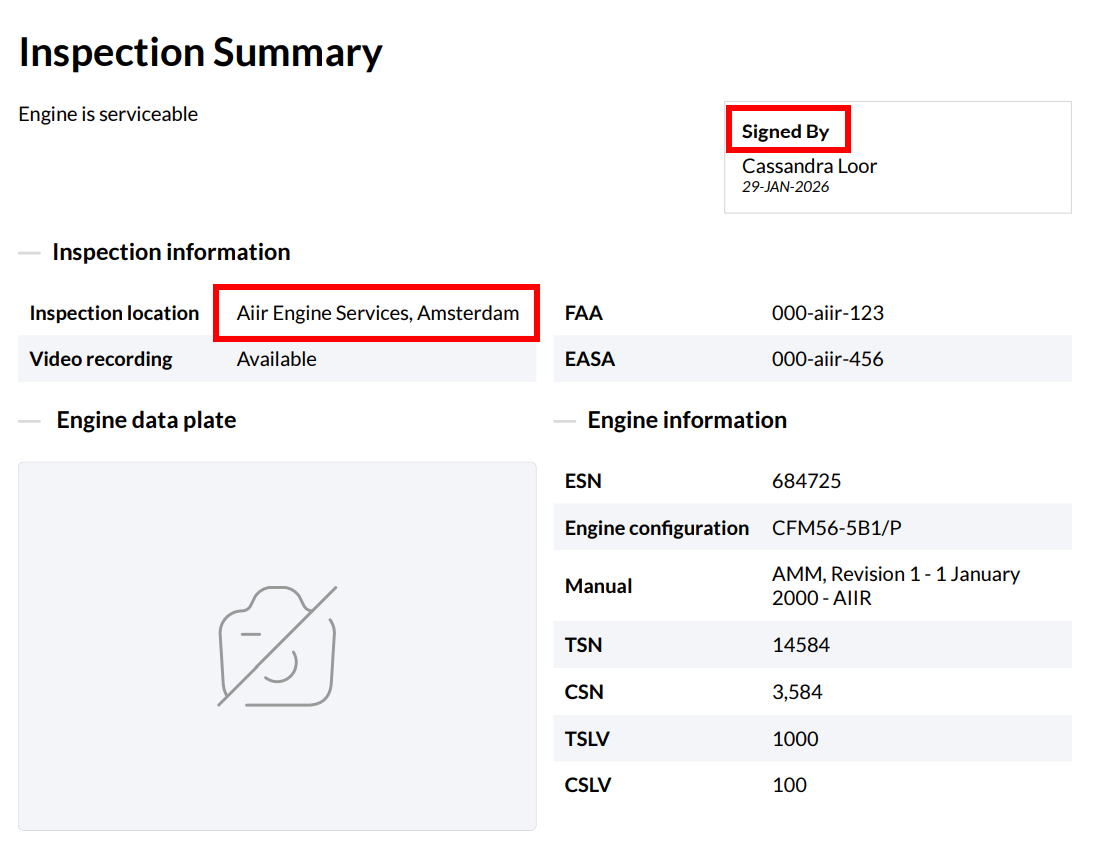
The text to indicate a signature, and the default inspection location
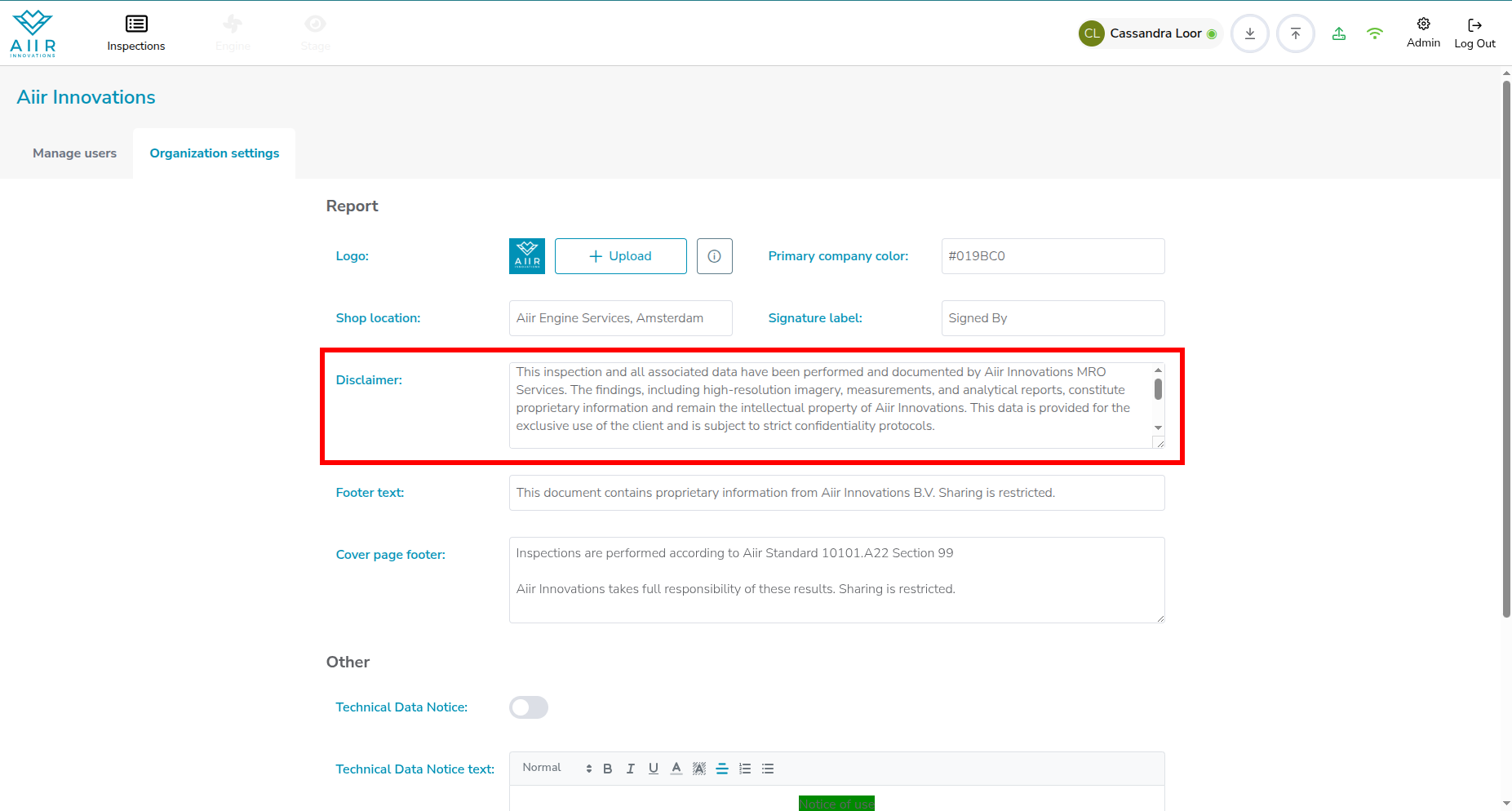
You can add a disclaimer to the PDF report
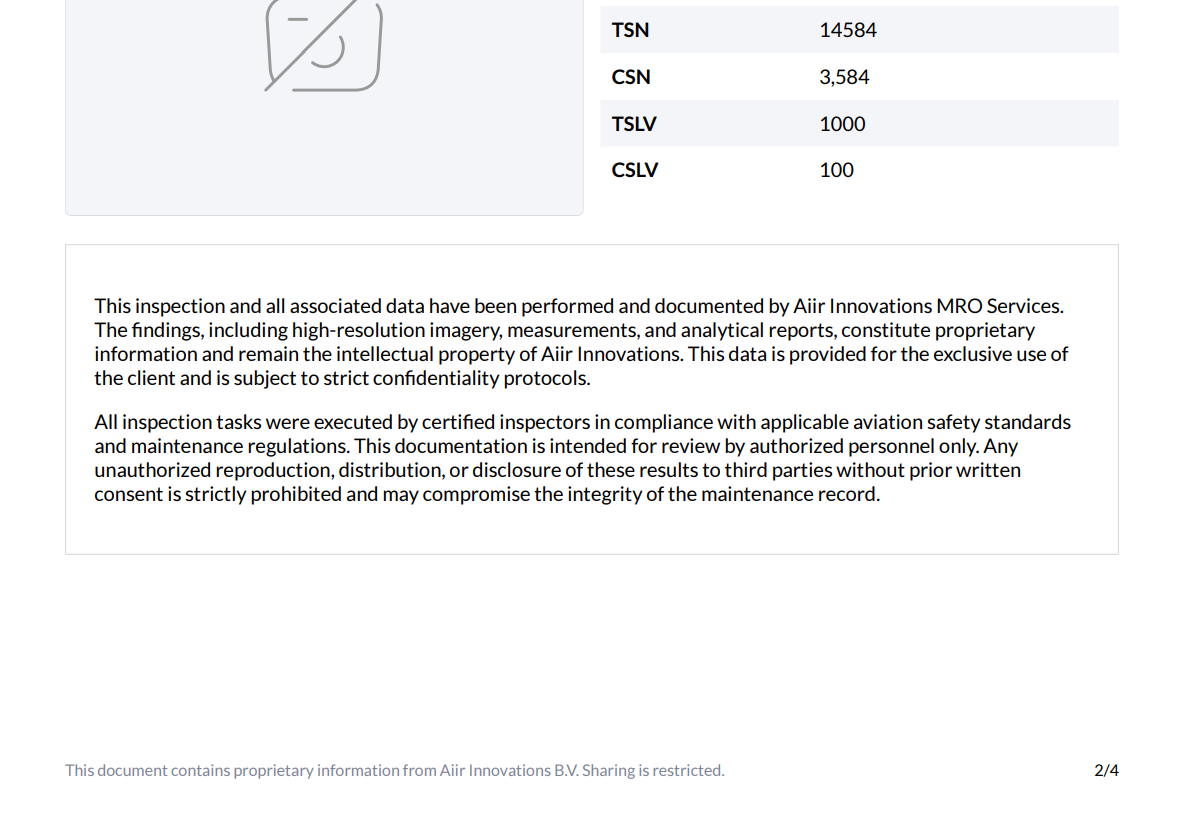
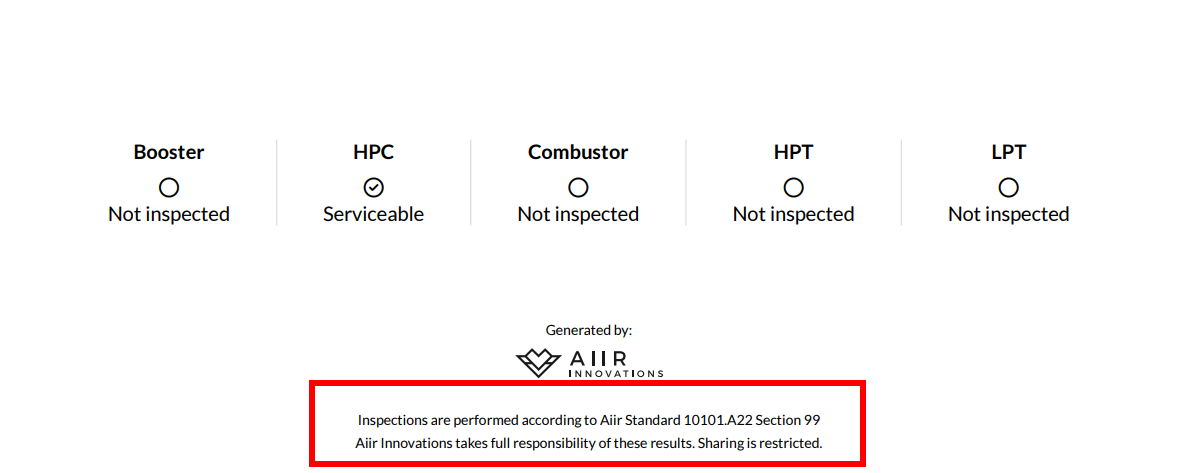
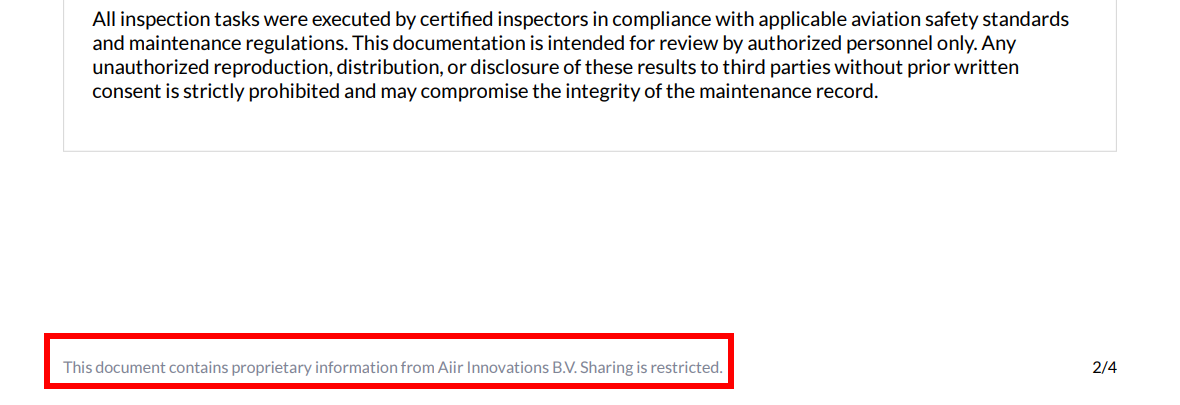
Add footers .n the cover page and in the document
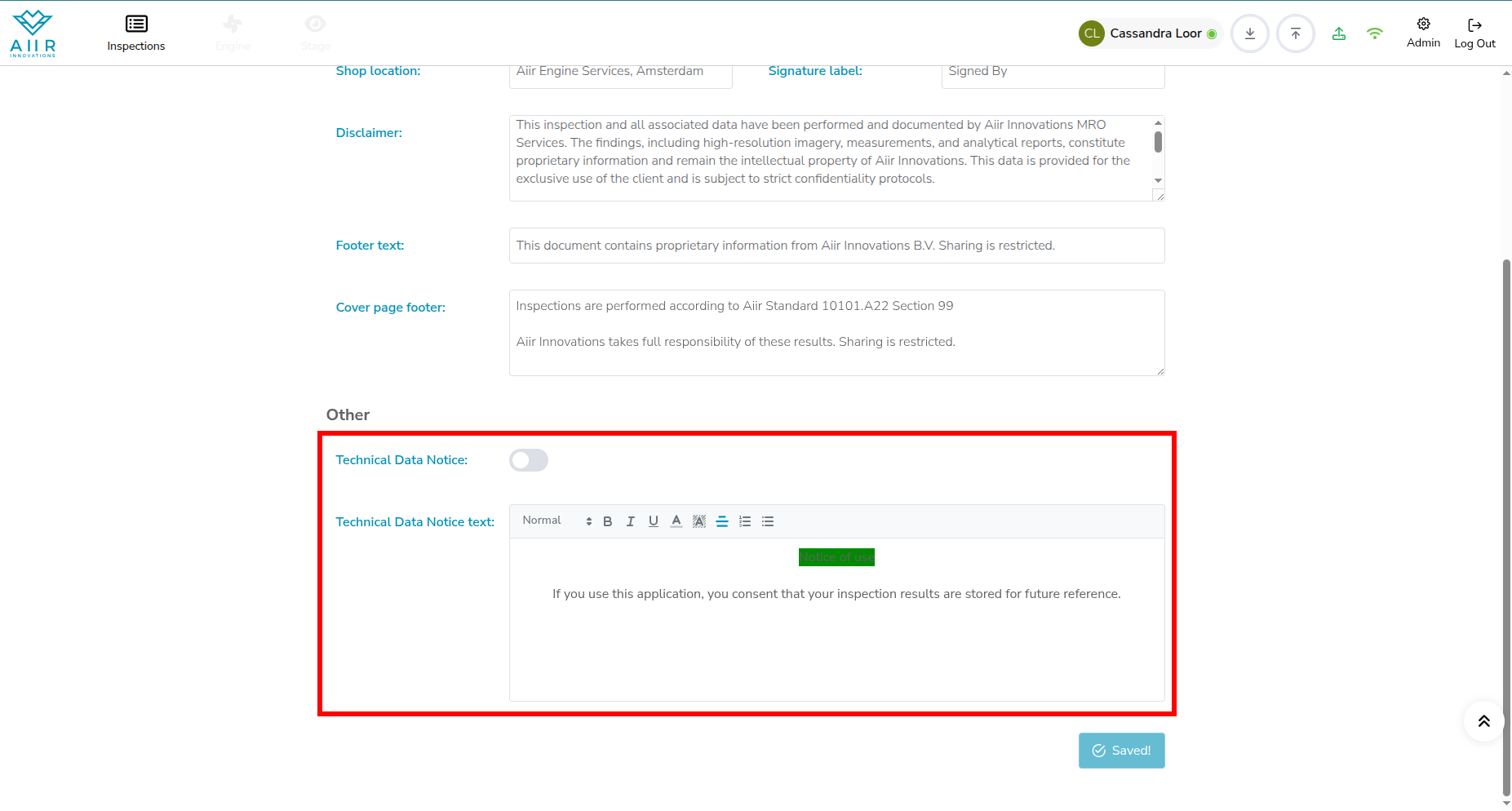
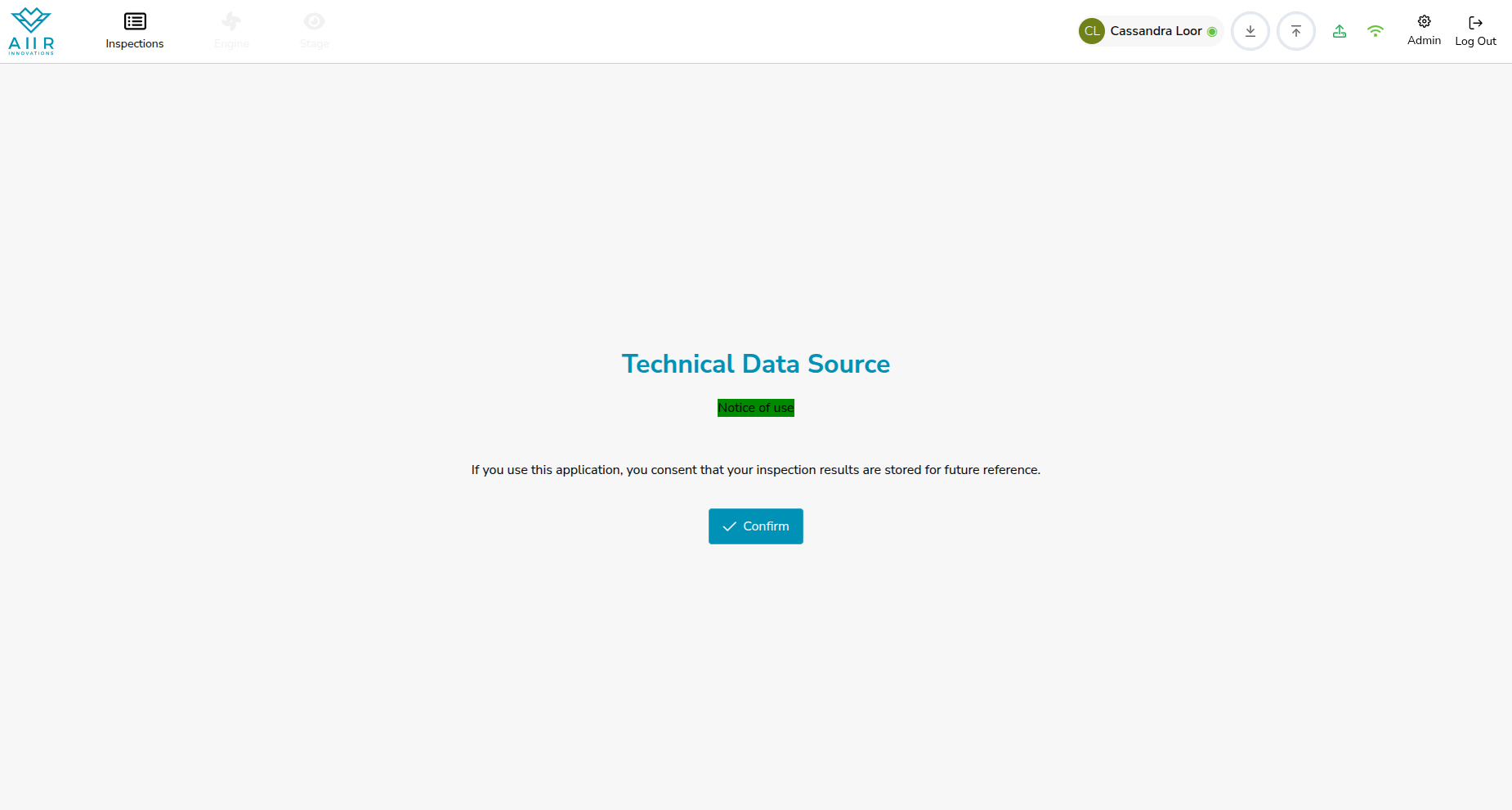
You can also set a message each users sees on login. It is referred to as a Technical Data Notice.