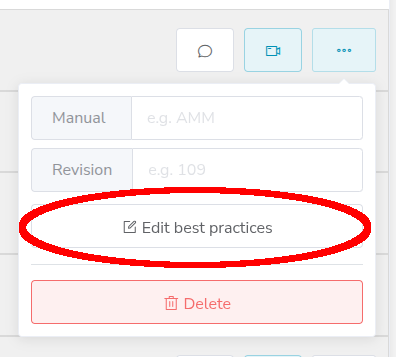
The Best Practices pop-up is your dedicated tool for team knowledge sharing. It appears in the Recording and Measurement screens to let you quickly review tips and notes on how to perform an inspection left by other inspectors.
The Best Practices feature can be see at the top bottom right of the page in the Recording and Measurement screens. When there is no information available, you are informed that there are no Best Practices to show.
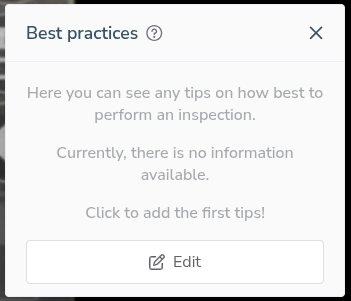
To add any Best Practices, simple click on the Edit button at the bottom of the widget. This opens a pop up that allows you to edit the Best Practices.
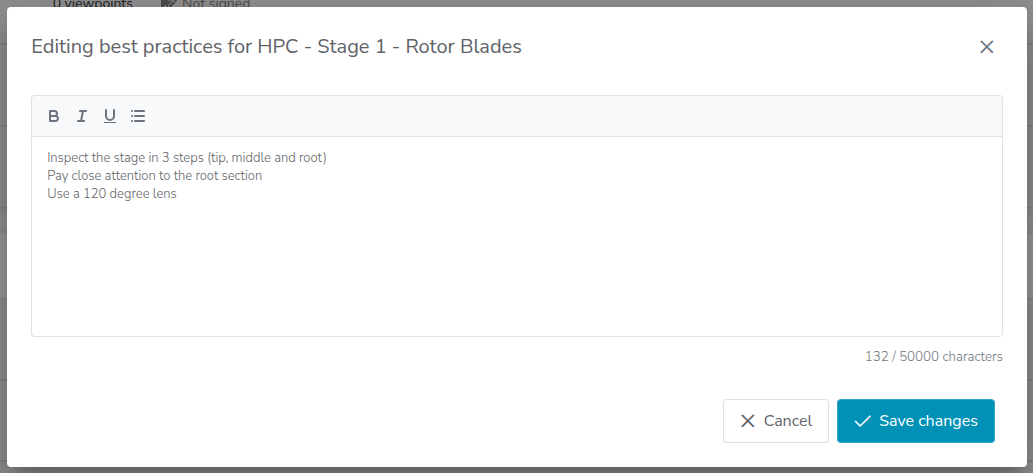
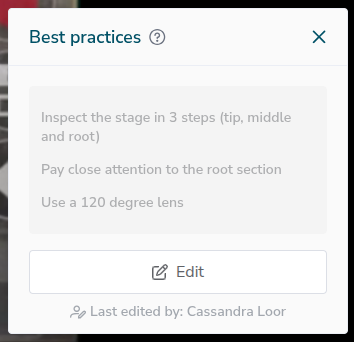
You can Save or Cancel your changes. These are then shown before starting your recording, when the recording is paused and when performing measurements.
To easily edit all best practices for a specific engine family, you can also edit the best practices in the Overview. If you have no videos in the inspection, you can also prefill an inspection and add the Best Practices information quickly.