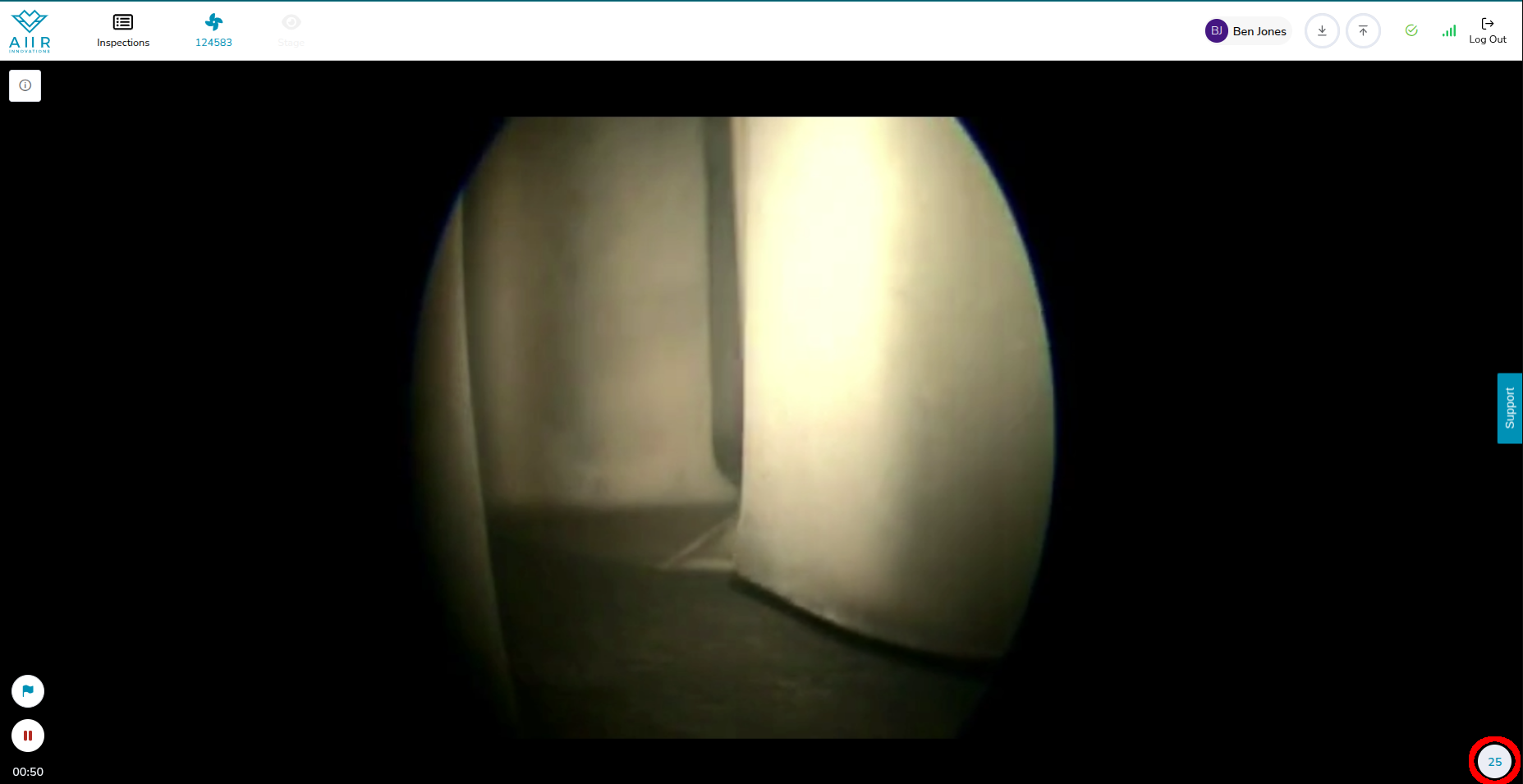
Several features have been added to the Recording Screen to make it easier to perform an inspection. These are:
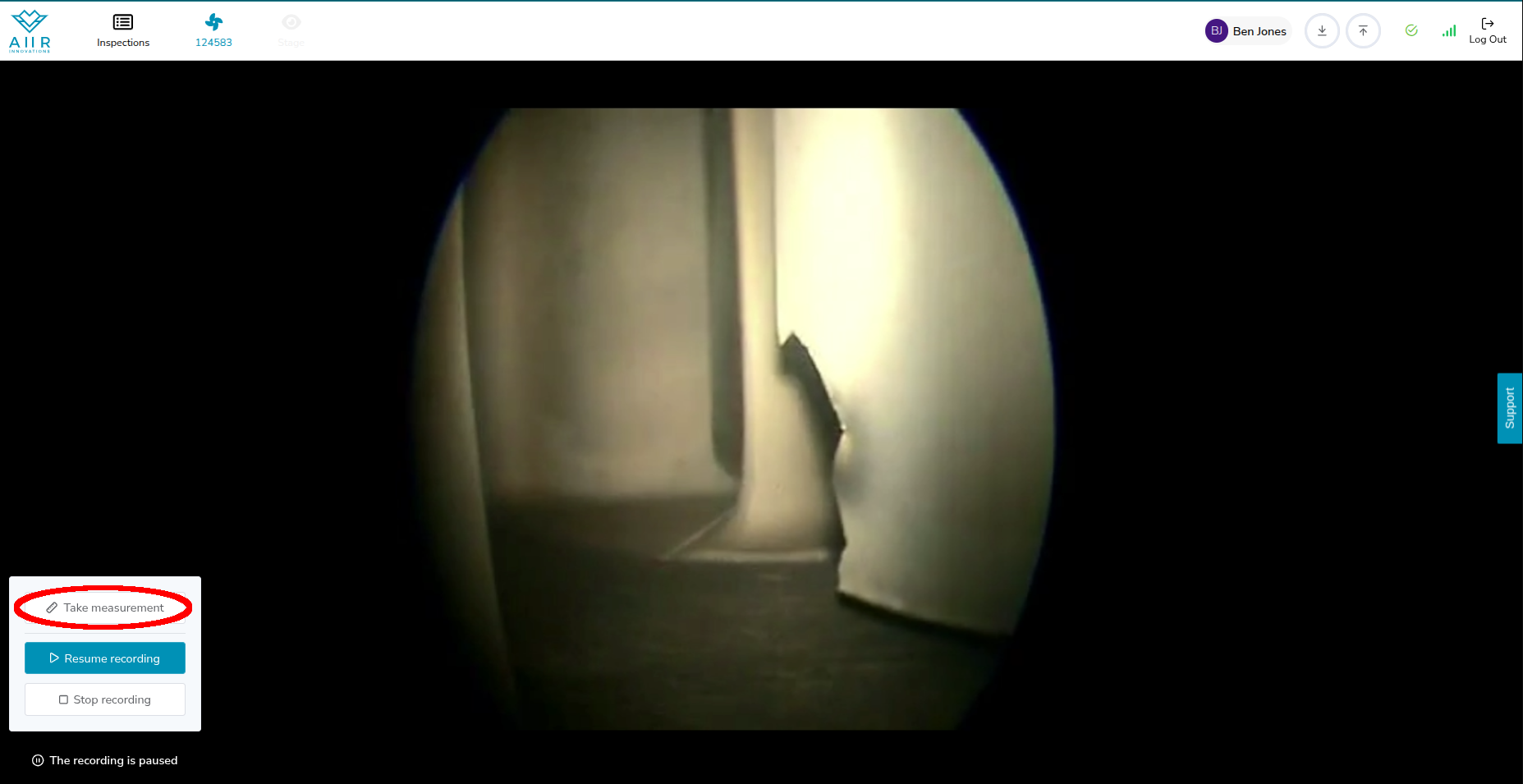
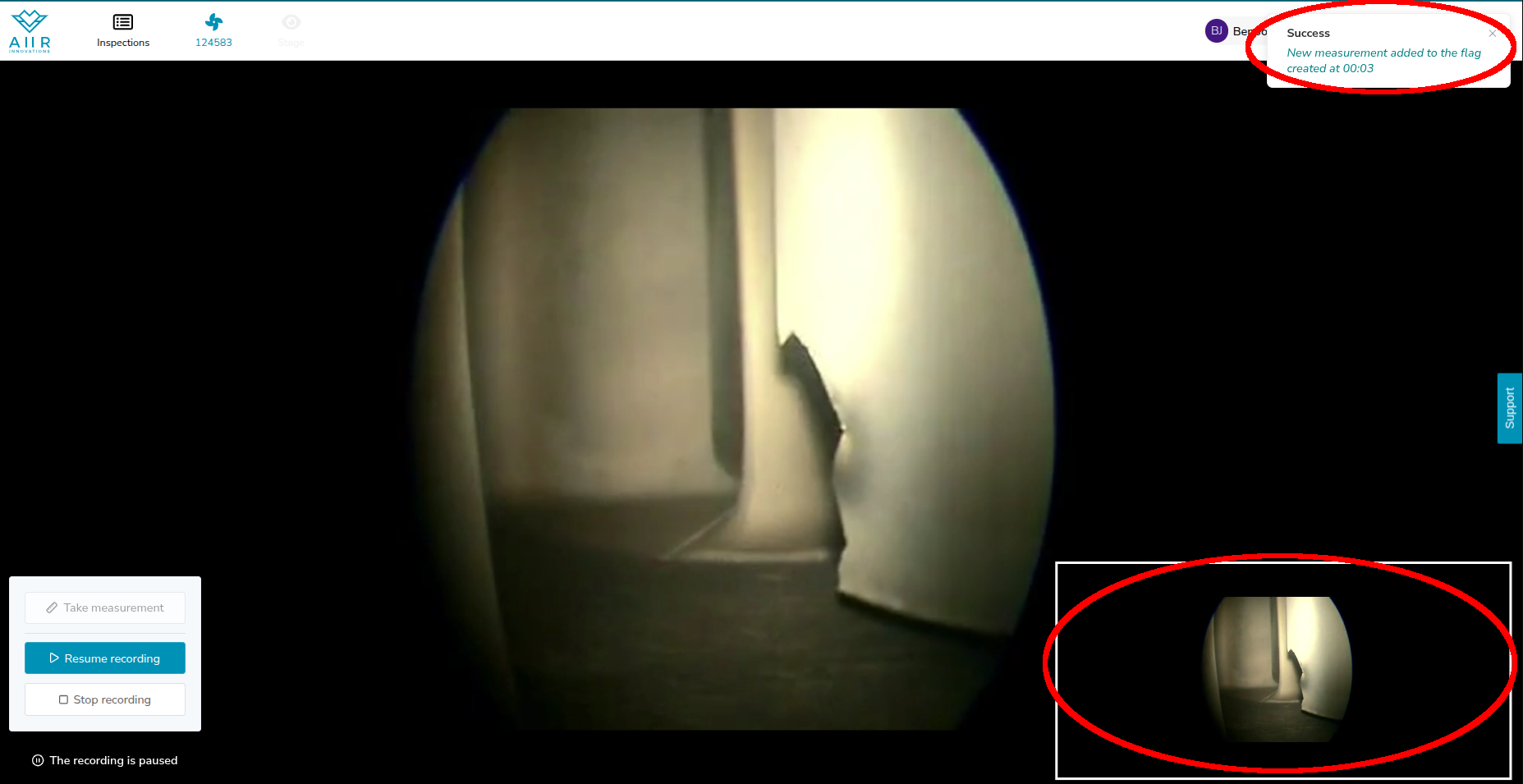
Measuring during recording: Make sure to create a Flag during recording. Then pause the recording and perform your measurement on the borescope. To store the measurement image and attach it to the Flag you created, click on ‘Take measurement’. When you process the Flag into a Finding, your measurement image will be attached.
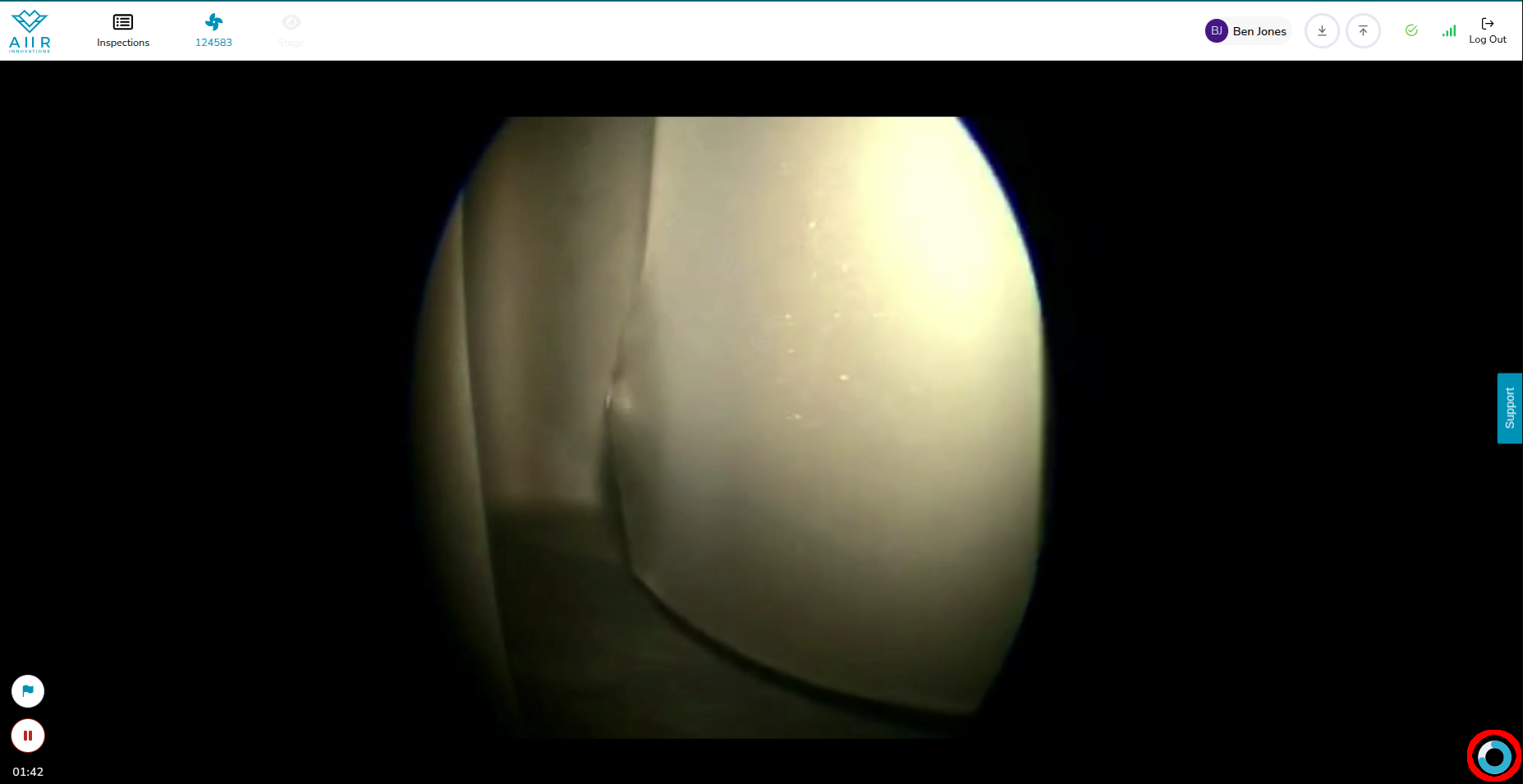
A Live Blade Counter: To help determine if all blades were inspected, a blade counter is shown during the recording at the bottom right. Once the circle is filled and dark blue, a full rotation was made. Once the color turns red, more than a full rotation was completed.
If there is no known blade count, a simple number will be shown to indicate how many blades haven been inspected.