Need help or want to share feedback? The Support widget built into the Aiir platform makes it easy for users to reach out directly to our team.
To access it:
Look for the blue “Support” tab on the right-hand edge of any screen within Aiir Platform to open support widget.
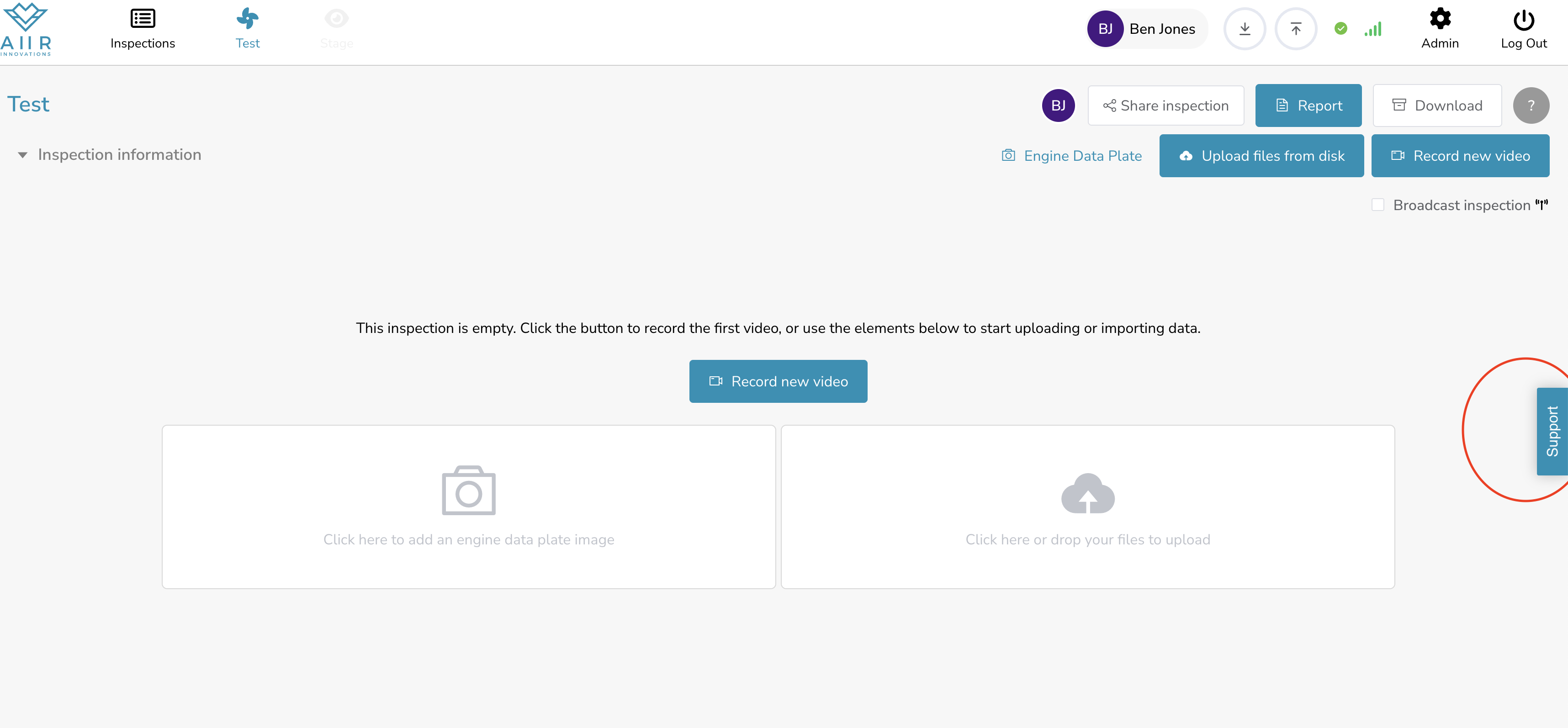
Clicking it opens the Support Widget, which gives you 3 main options:
🐞 Report an issue – Found a bug? Use this to describe the problem, optionally mark it on the screen, or record a short screen capture.
💡 Request a feature – Have an idea or improvement suggestion? Submit it here.
💬 Ask a question – Chat with us for help, clarification, or guidance.
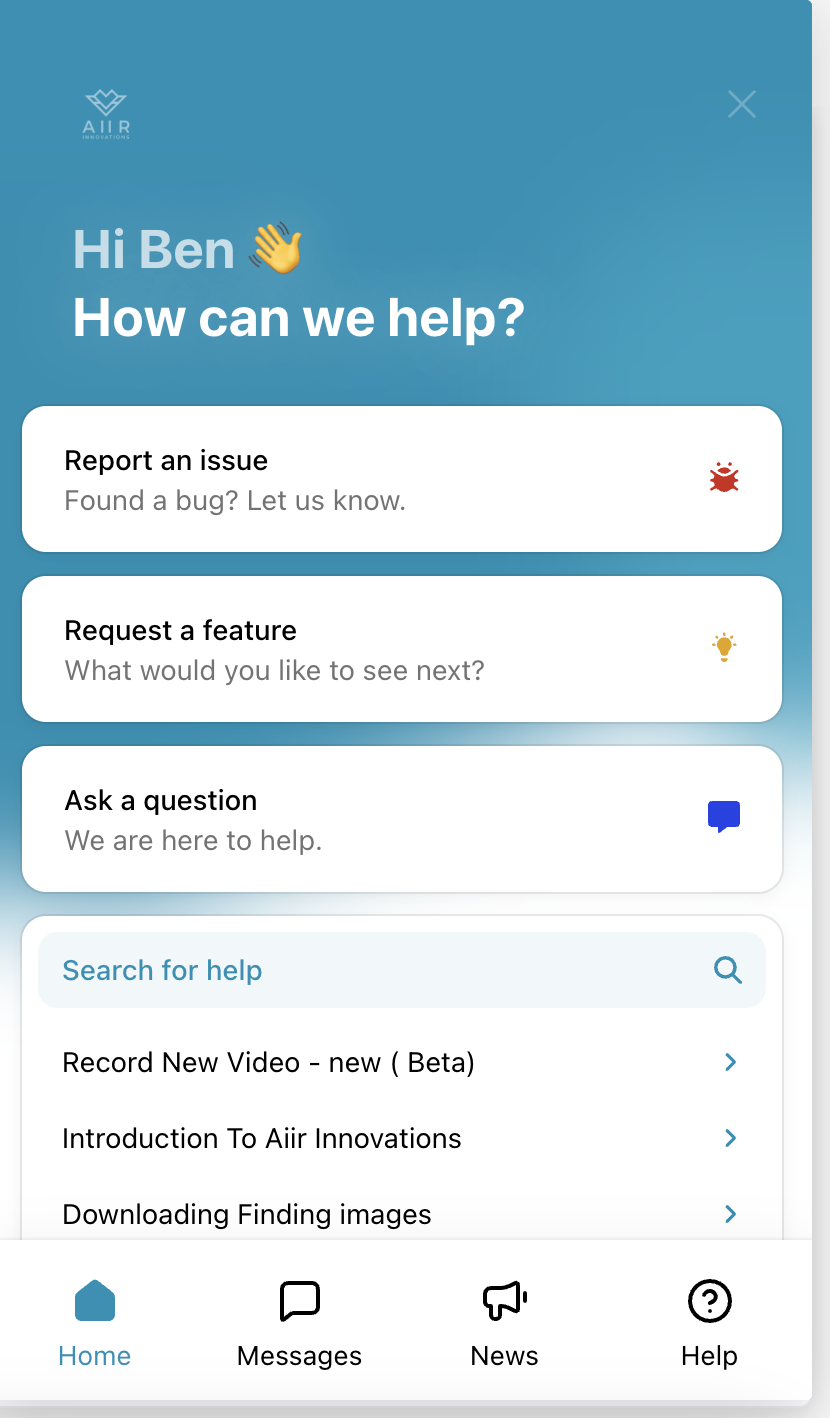
You can also search for help articles or feature guides directly within the widget.
At the bottom of the widget, you’ll find four quick-access tabs:
Home: Entry point for reporting, requesting, or browsing
Messages: View your past conversations
News: Stay up to date with new features and announcements
Help: Direct access to support content
📌 The Support widget is the fastest way to contact the Aiir team, submit feedback, or find answers on your own. Alternately, you can also email at support at aiir.nl email id.
