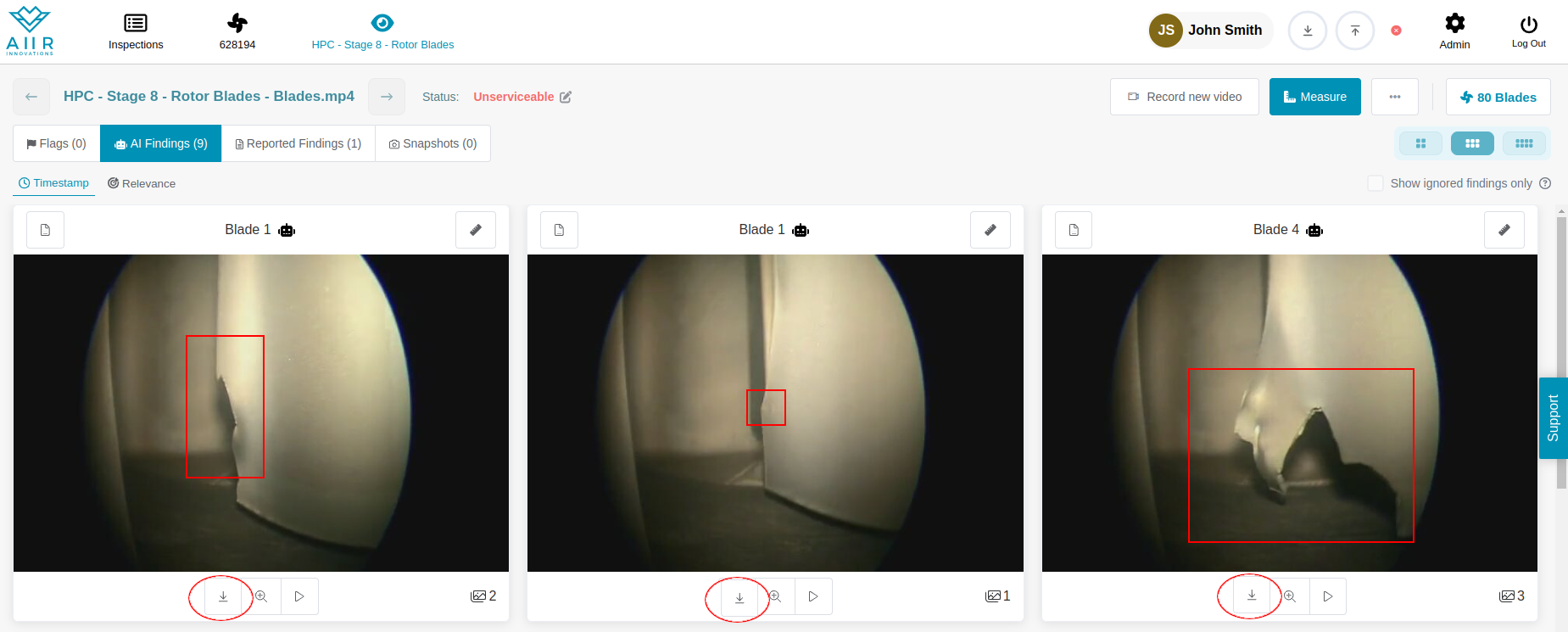
To download individual images, move to the Review screen.

Each finding contains a ‘Download’ button below the Finding Image, which will trigger a download.
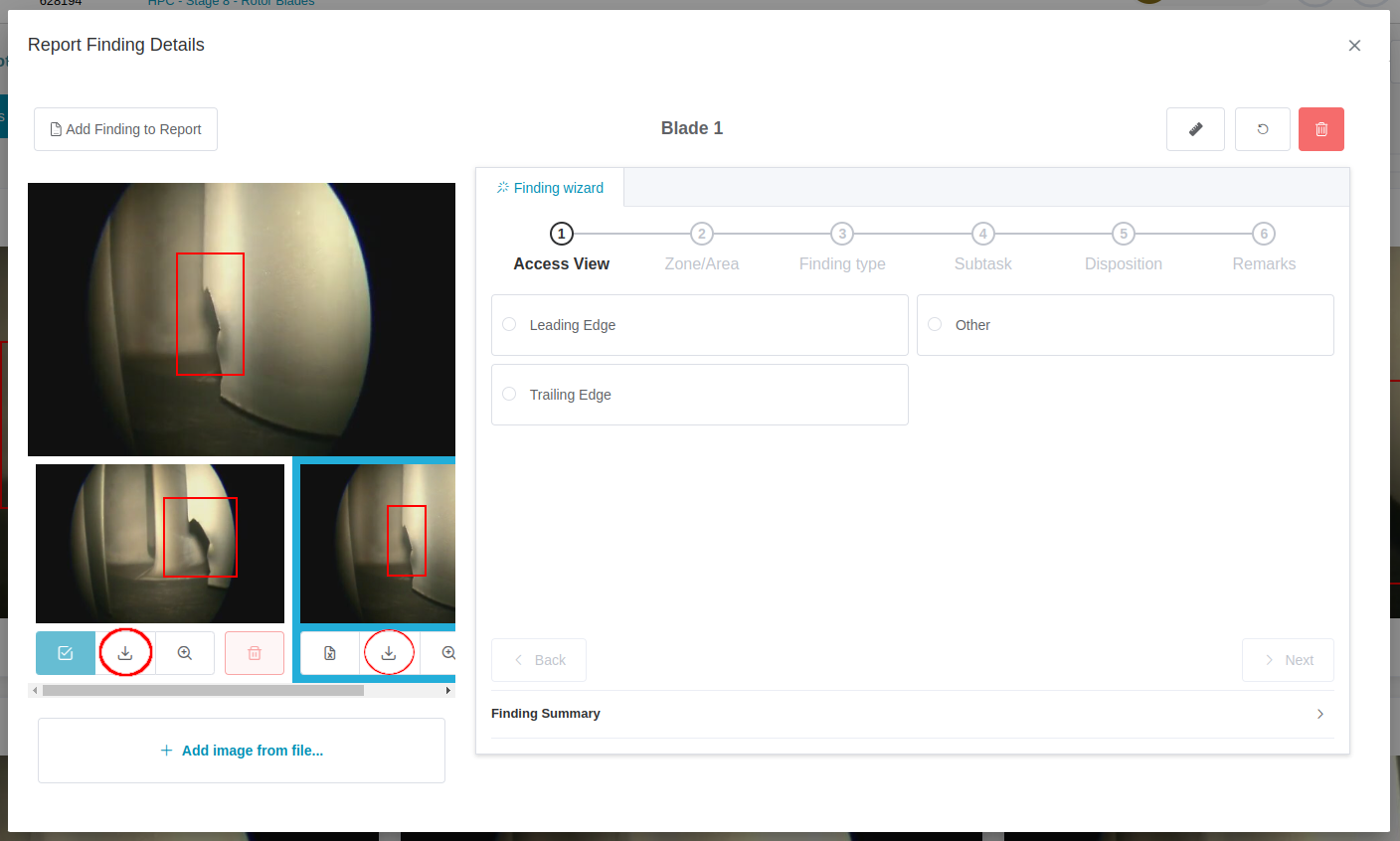
To download other images, such as measurement images, open the Reporting Dialog and trigger the download from the options under each image in the carousel on the left.