To change your password, you need to access your Account Information. You can do this by clicking on your name at the top right of the platform.

Your account information will be shown and have the option to change your password.
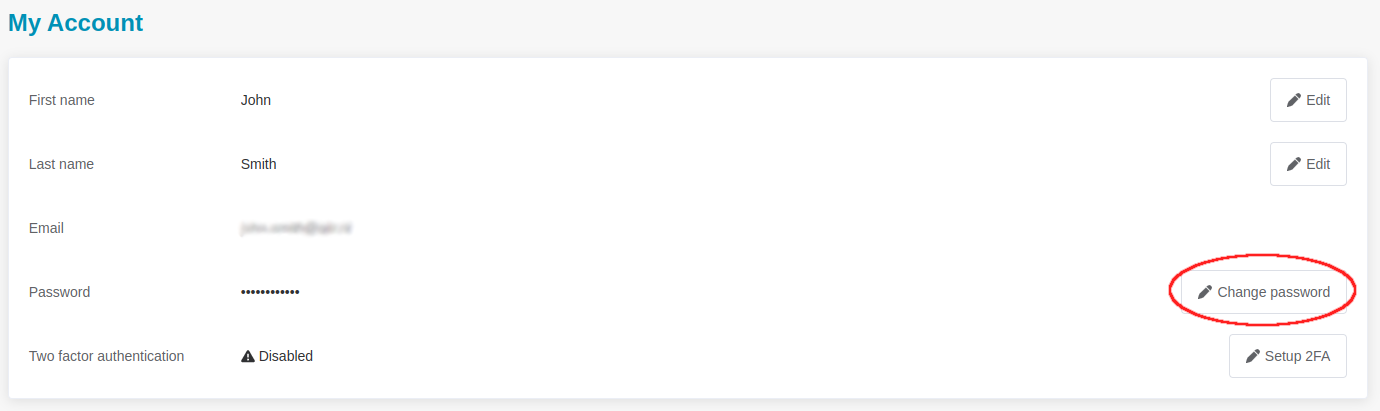
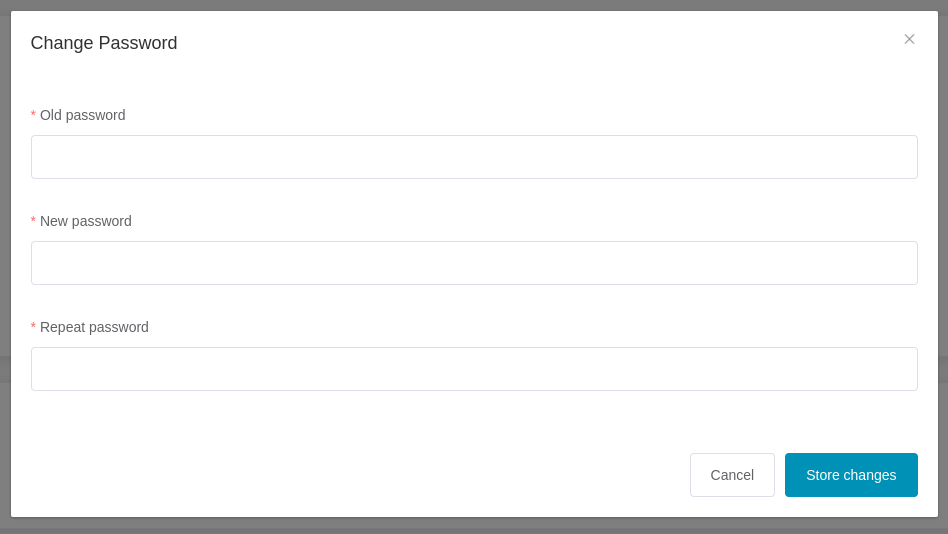
After clicking on the button, you are prompted to repeat your existing password and then fill in your new password. Once you Store changes, your password is updated.