To record Service Bulletins, you have to create a Custom Stage. From there, you can record a video and store all required information. To do so, follow these steps:
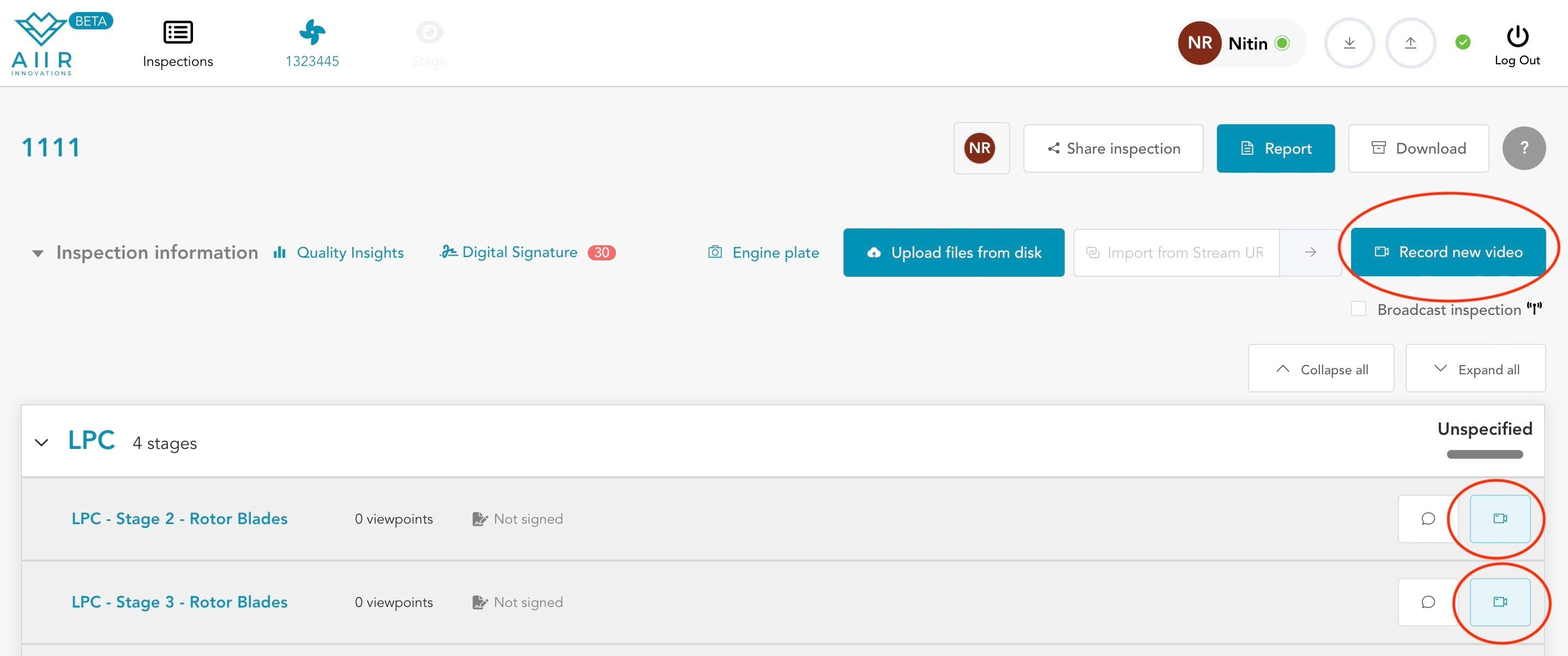
Initiate Live Recording: Click on the "Record New Video" button located at the top right of the page.
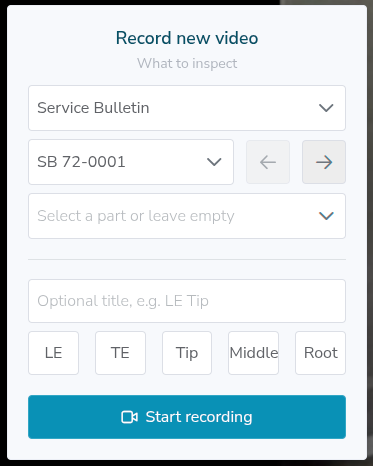
Create a custom Module-Stage-Viewpoint: You can do so by in the fields themselves. You can now fill in the Service Bulletin number.
Collect your data: You can now record a video and perform your reporting.
Report: Once you are done, you can generate your report. You will find your Service Bulletin data at the end of the document under the section Other.


