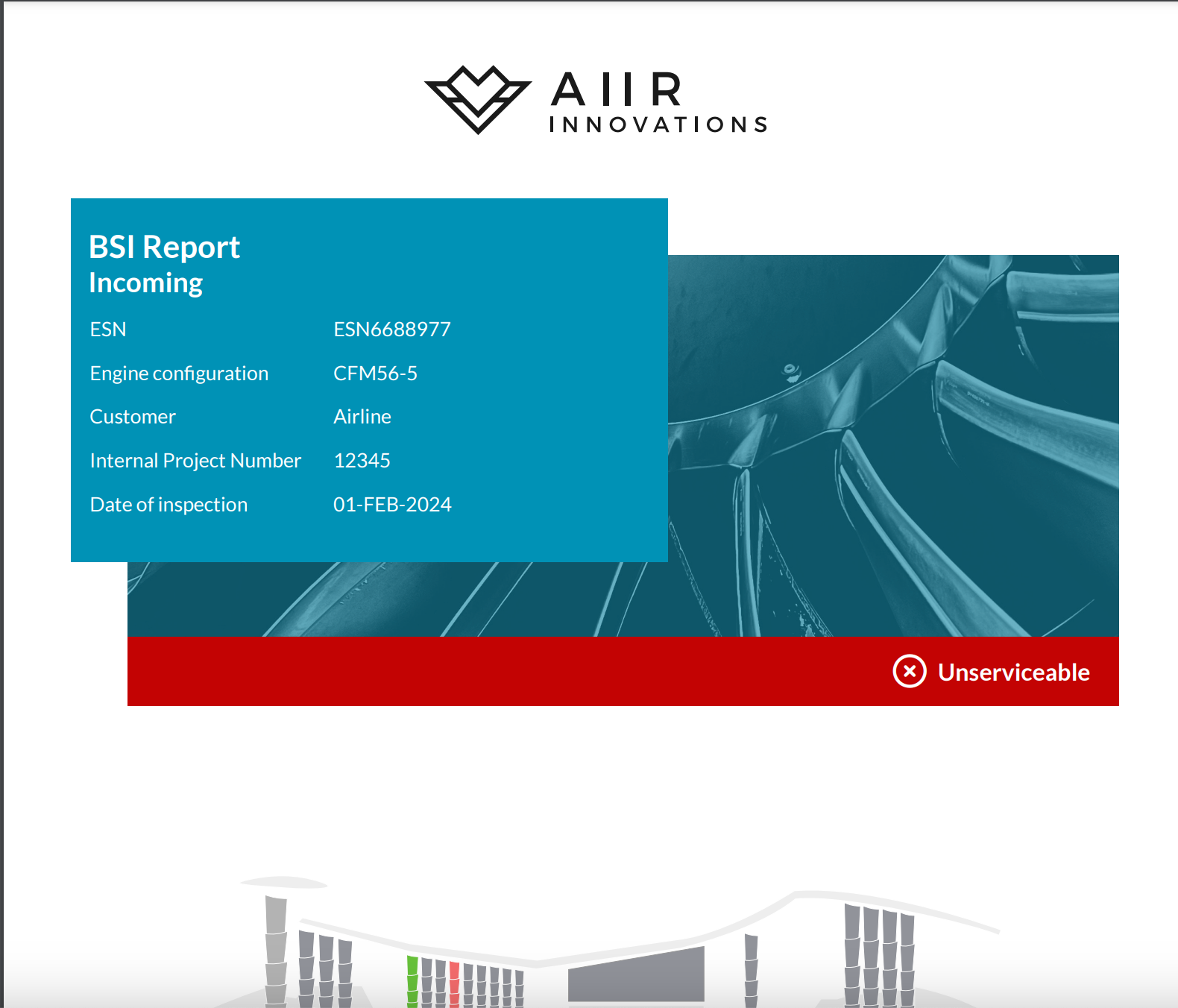
With the inspection results reviewed and collaboration on findings completed, it's time to generate the final report and preview it before sharing it with the customer. Here's how to do it:
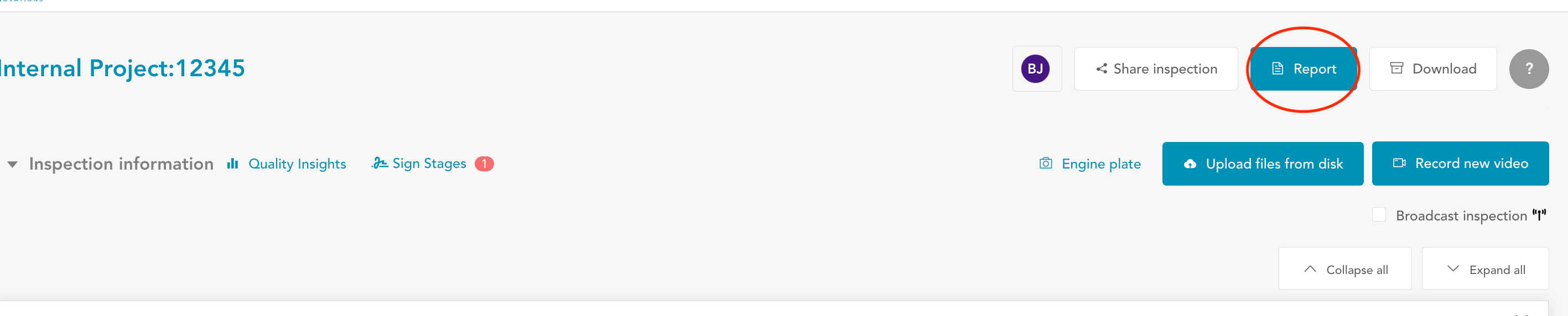
Navigate to the 'Report' button located on the Inspection Overview screen.
You'll find a summary of the inspection information you entered earlier, including engine details, serial numbers, and more.
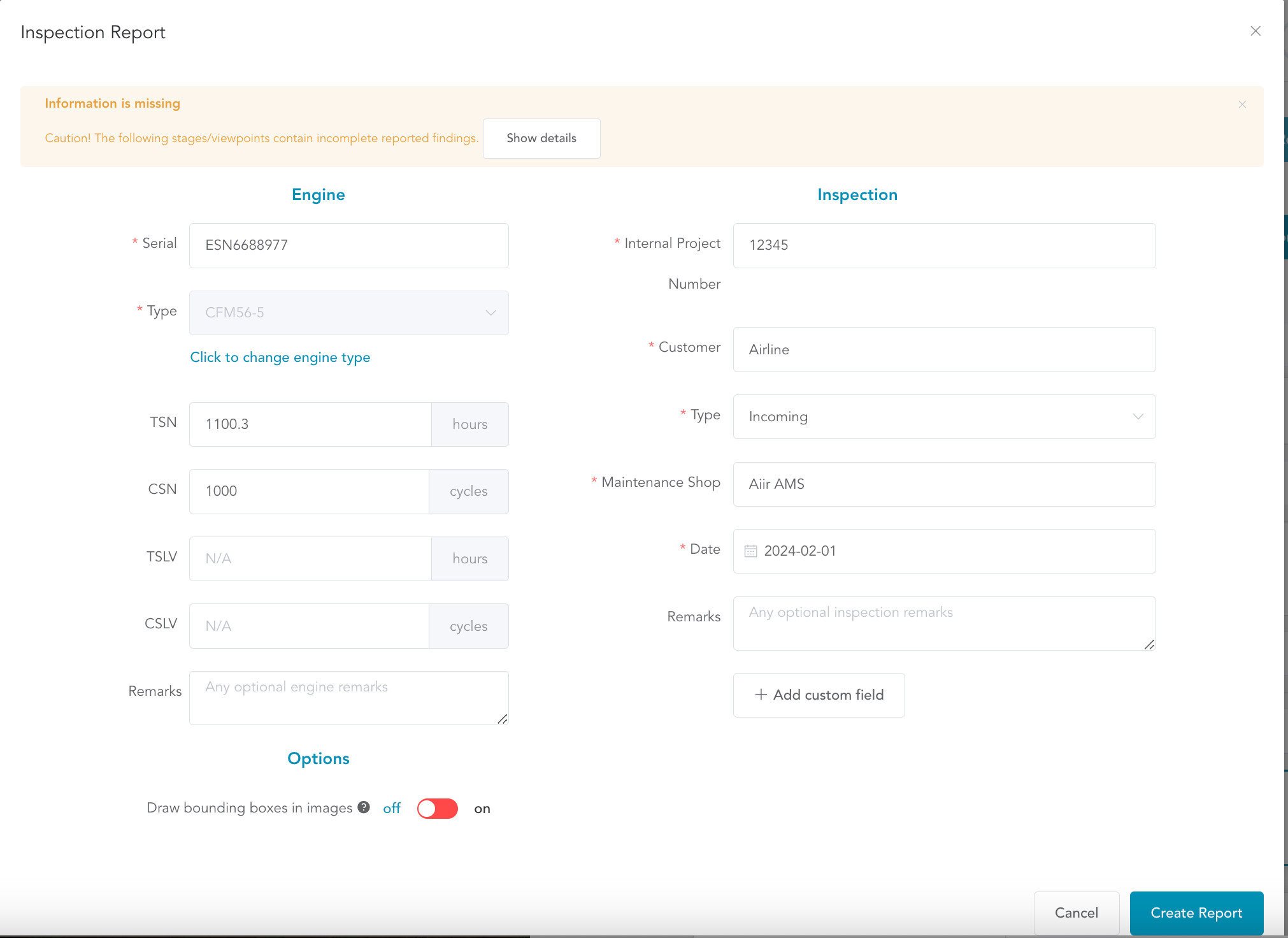
Add any inspection remarks you'd like to include in the report. If there’s any information is missing, it will be highlighted here.
If needed, you can incorporate custom fields or attributes to tailor the inspection report.
Click 'Create Report,' and within a few moments, your report will be generated.
Download the PDF report and review it before sharing it with the intended recipients.