Aiir Assisted Reporting is an optional feature meticulously designed to significantly enhance the speed and precision of defect reporting within the Aiir platform. Seamlessly integrating essential maintenance manual information into the defect reporting interface, this feature serves as your invaluable guide throughout the entire process.
Using Aiir Assisted Reporting:
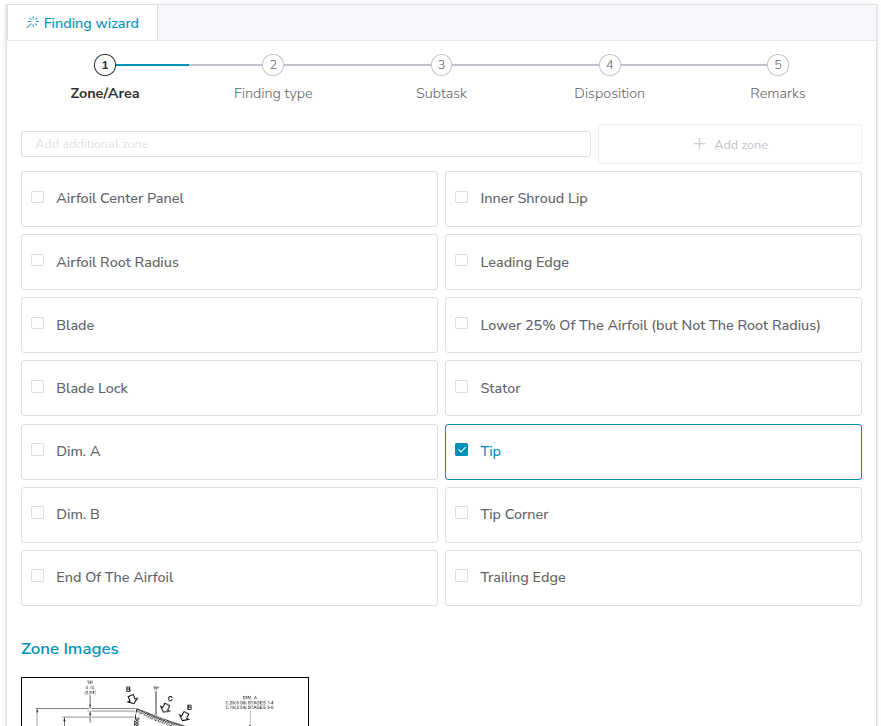
Step 1: Select Zone/Area : In this step, Aiir Assisted Reporting fetches list of Zone/Areas for the module you want to report the defect for. The images of engine zones are provided (fetched from the manual) for easier reference and assistance in determining the finding position and making a decision. One can even zoom the images to take a closer look.
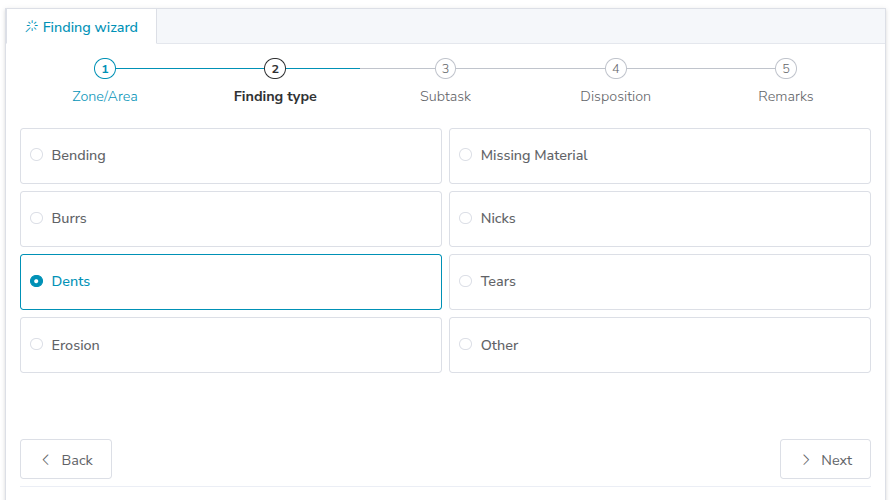
Step 2: Finding Type Classification: In this step, Aiir Assisted Reporting fetches list of all possible defects that one can find in the selected Zone/Area you selected in the previous step.
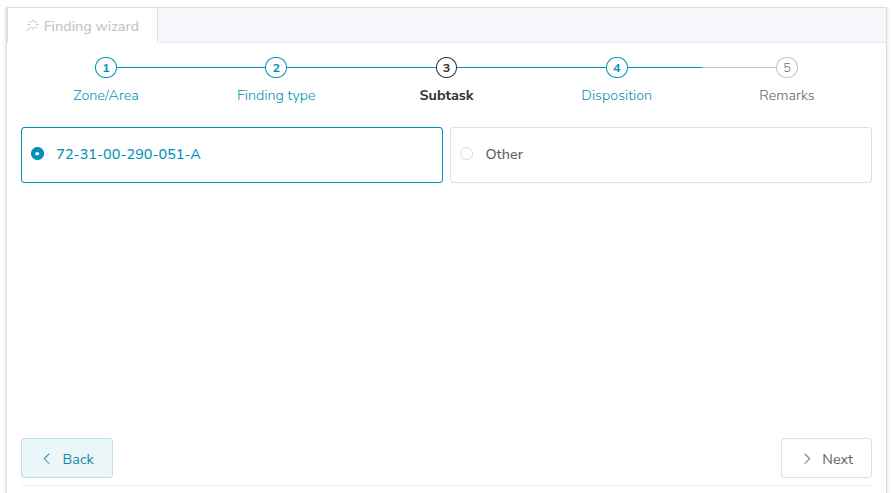
Step 3: Subtask: Aiir Assisted Reporting provides list of available subtasks, based on the selected AMM/EM.
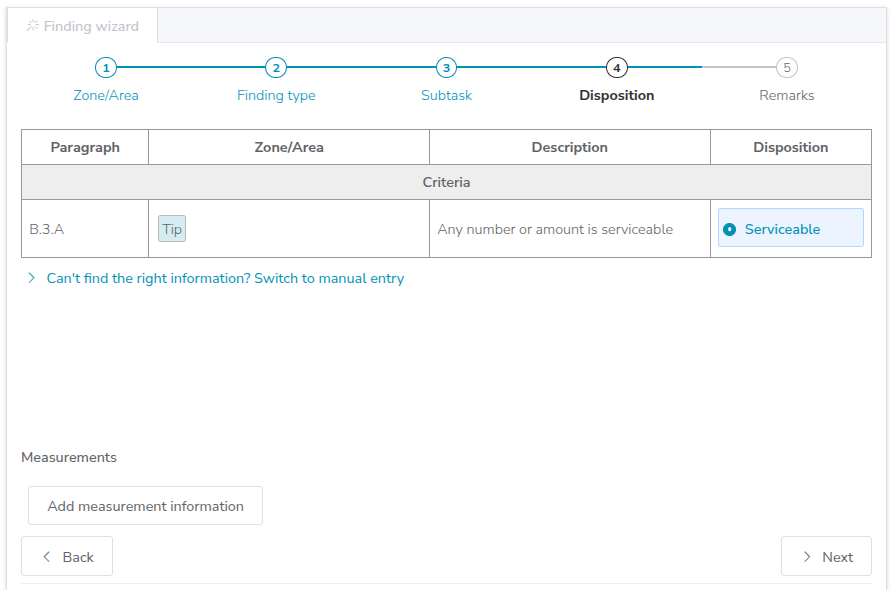
Step 4: Disposition: Aiir Assisted Reporting provides clear criteria and references from the manual for easy and informed decision-making.
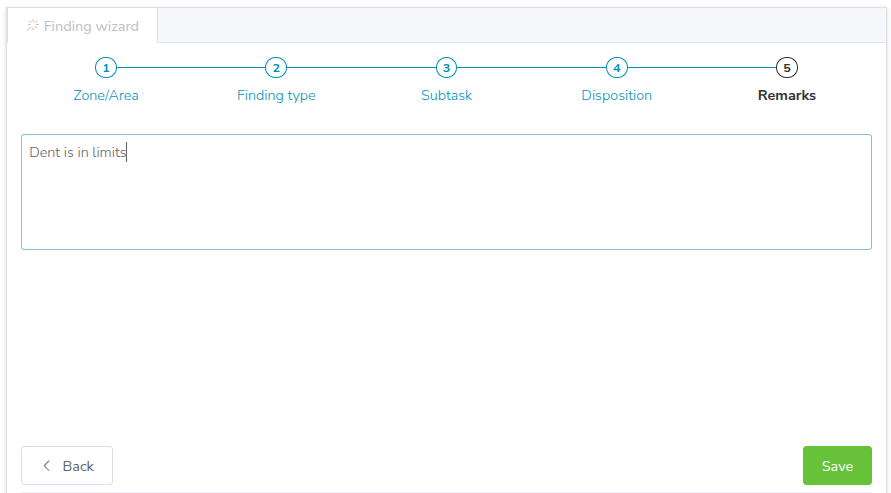
Step 5: Remarks: Add any additional remarks or notes to provide comprehensive defect information.