
In this option, you can provide a Stream URL to your recorded video files for inspection, this reduces the need to download files & then re-import into Aiir. Follow these steps to import your inspection videos from Stream:
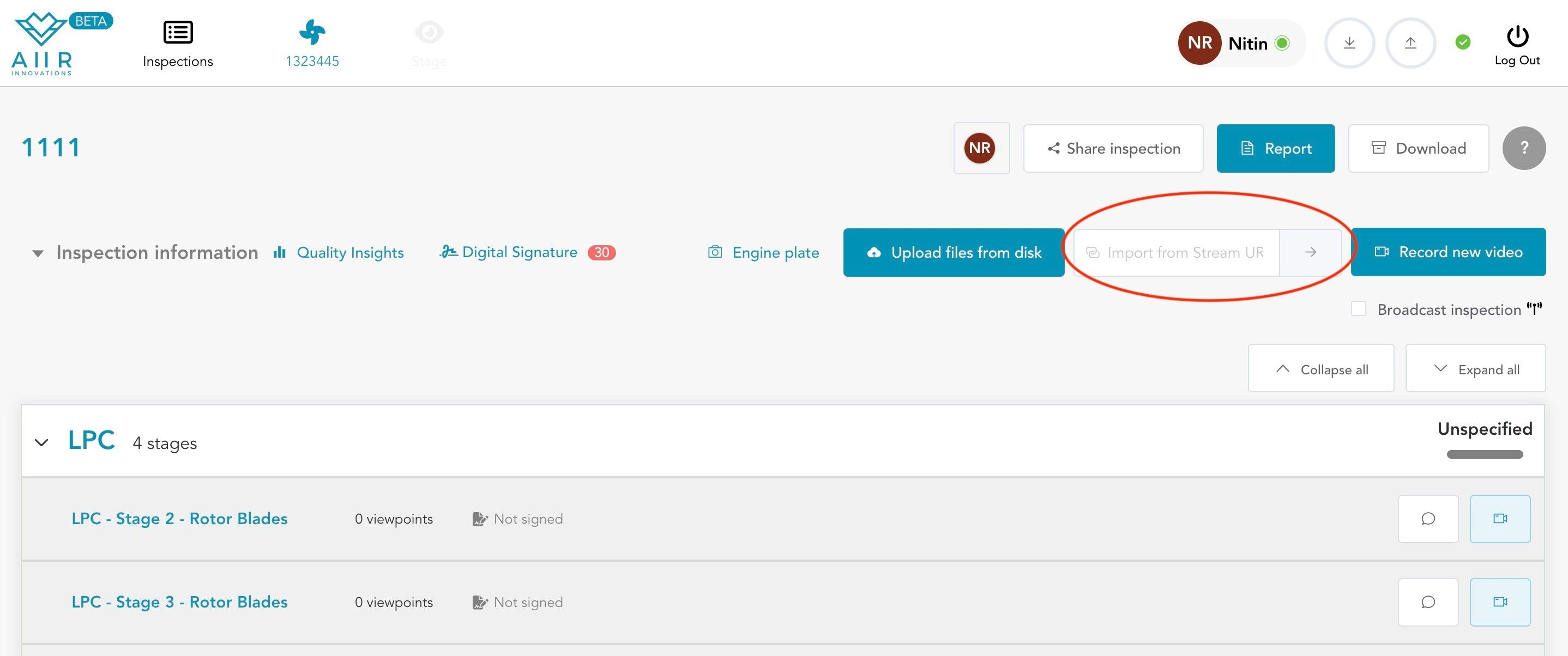
Enter Stream URL: Enter the Stream URL of your recorded inspection videos in ‘Import from Stream URL’ box. Ensure that the URL is accurate and accessible.
Initiate Upload: After confirming the Module and Stage information, the import will start and you’ll see a successful notification once it is completed.
Processing and Review: Aiir AI Co-pilot will begin importing & reviewing the inspection footage frame by frame from the provided stream URL.
View Findings: Once the processing is complete, the findings will appear in the Inspection view against the selected Module and Stage names. You can access and review these findings for further action or analysis.

